
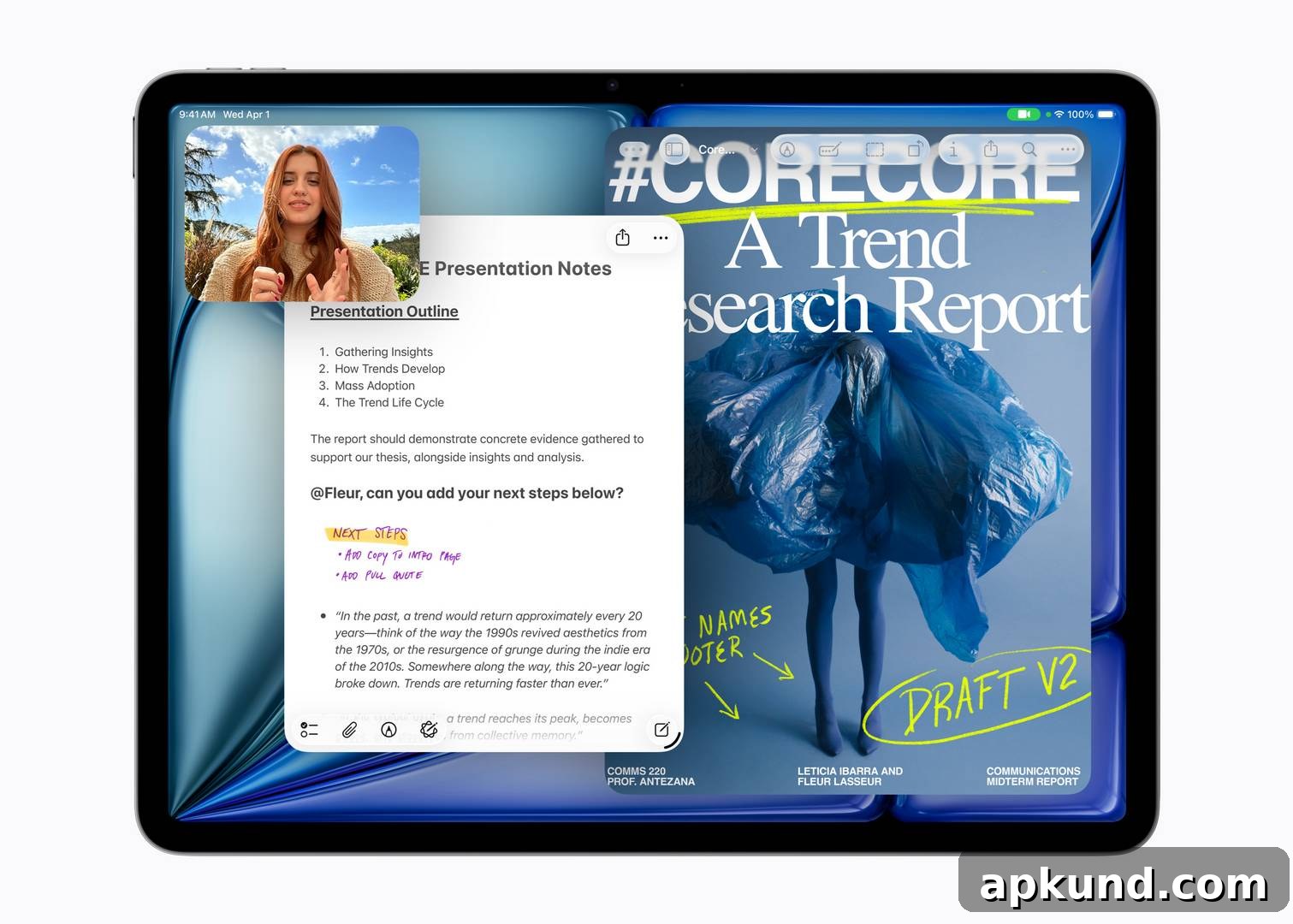
Apple updated the iPad Air just a year after the M3 model debuted. At a glance the two generations look identical: the price remains the same, the design hasn’t changed, and visually you would be hard-pressed to tell them apart on a store shelf. That raises the obvious questions: what exactly did Apple change with the new iPad Air M4, and are those changes meaningful enough to justify upgrading from an M3 or older iPad?
The short answer depends mostly on how old your current iPad is and how you use it. If you own a recent M3 iPad Air, the improvements are incremental but real. If you use an older device such as an M1-era iPad or earlier, the M4 represents a more substantial upgrade, particularly for performance and connectivity.
| iPad Air M3 (2025) | iPad Air M4 (2026) | |
|---|---|---|
| Chip | Apple M3 | Apple M4 |
| CPU / GPU | 8-core CPU, 9-core GPU | 8-core CPU, 9-core GPU |
| RAM | 8GB | 12GB |
| Memory bandwidth | 100GB/s | 120GB/s |
| Storage | 128GB – 1TB | 128GB – 1TB |
| Display | Liquid Retina LCD, 264ppi, 60Hz | Liquid Retina LCD, 264ppi, 60Hz |
| Wi-Fi | Wi-Fi 6E | Wi-Fi 7 |
| Bluetooth | 5.3 | 6 |
| Cellular modem | Qualcomm SDX70M | Apple C1X |
| Battery life | Up to 10 hours | Up to 10 hours |
| Colors | Blue, Purple, Starlight, Space Gray | Blue, Purple, Starlight, Space Gray |
| Starting price (11-inch) | $599 | $599 |
| Starting price (13-inch) | $799 | $799 |
What’s new with the iPad Air M4
The headline change is the processor. Apple’s M4 chip delivers noticeably faster performance than the M3, with Apple quoting up to a 30% improvement in some tasks. Both chips use the same 8-core CPU and 9-core GPU configuration, so the advantage comes from architectural improvements and finer tuning rather than adding more cores. That means everyday activities like web browsing, video streaming, and light productivity will feel very similar, while demanding tasks—such as video editing, rendering, and high-end gaming—stand to benefit most from the M4’s optimizations.
Memory is a clear differentiator. The M3 model ships with 8GB of RAM, while the M4 jumps to 12GB. That extra memory helps the tablet run more apps simultaneously and provides headroom for the more advanced on-device features Apple is promoting. Memory bandwidth also increases from 100GB/s to 120GB/s, which helps when moving large data sets for tasks like photo and video editing or complex machine learning workloads. In practical terms, the M4’s memory upgrade makes it a more future-proof choice if you plan to keep the device for several years.
Connectivity and efficiency improvements
Connectivity receives an important upgrade. The M4 models add support for Wi‑Fi 7 and Bluetooth 6, which bring faster theoretical speeds and improved latency compared with the prior generation’s Wi‑Fi 6E and Bluetooth 5.3. Apple also replaced the Qualcomm cellular modem used in the M3 models with its own C1X modem in cellular variants. Apple states the new modem improves cellular throughput and energy efficiency, which can translate to better performance on mobile networks and longer real-world battery life when using cellular data extensively.
What hasn’t changed
Many aspects remain unchanged between the two models. The display is the same Liquid Retina LCD at 264 pixels per inch and a 60Hz refresh rate. Camera hardware remains consistent, as do the four color options and the overall size and weight. Battery life is advertised as up to 10 hours on both models, and storage tiers still start at 128GB and go up to 1TB. Accessories such as Apple Pencil Pro and Magic Keyboard remain compatible with both versions, so existing peripherals continue to work without modification.
Should M3 owners upgrade?
For most M3 owners the answer will be no. While the M4 offers measurable improvements, the M3 remains a powerful, capable tablet for the vast majority of typical users. If your daily routine centers on email, web browsing, streaming, document editing, and light creative apps, the M3 will continue to perform well and is likely to receive software support for years to come.
The calculus changes if you are upgrading from an older device such as an M1 iPad or anything earlier. The M4’s performance and connectivity advances are much more significant over those older chips, and the added RAM and Wi‑Fi 7 support make the M4 a much stronger long-term buy. Retailers will likely discount remaining M3 stock as the M4 becomes widely available, and a discounted M3 can still represent excellent value for users who don’t need the newest features. If you’re buying new at the same price, however, the M4 is the better option for future-proofing.
No products found.
Note: this article may contain affiliate links that help support our authors and keep the site running.