
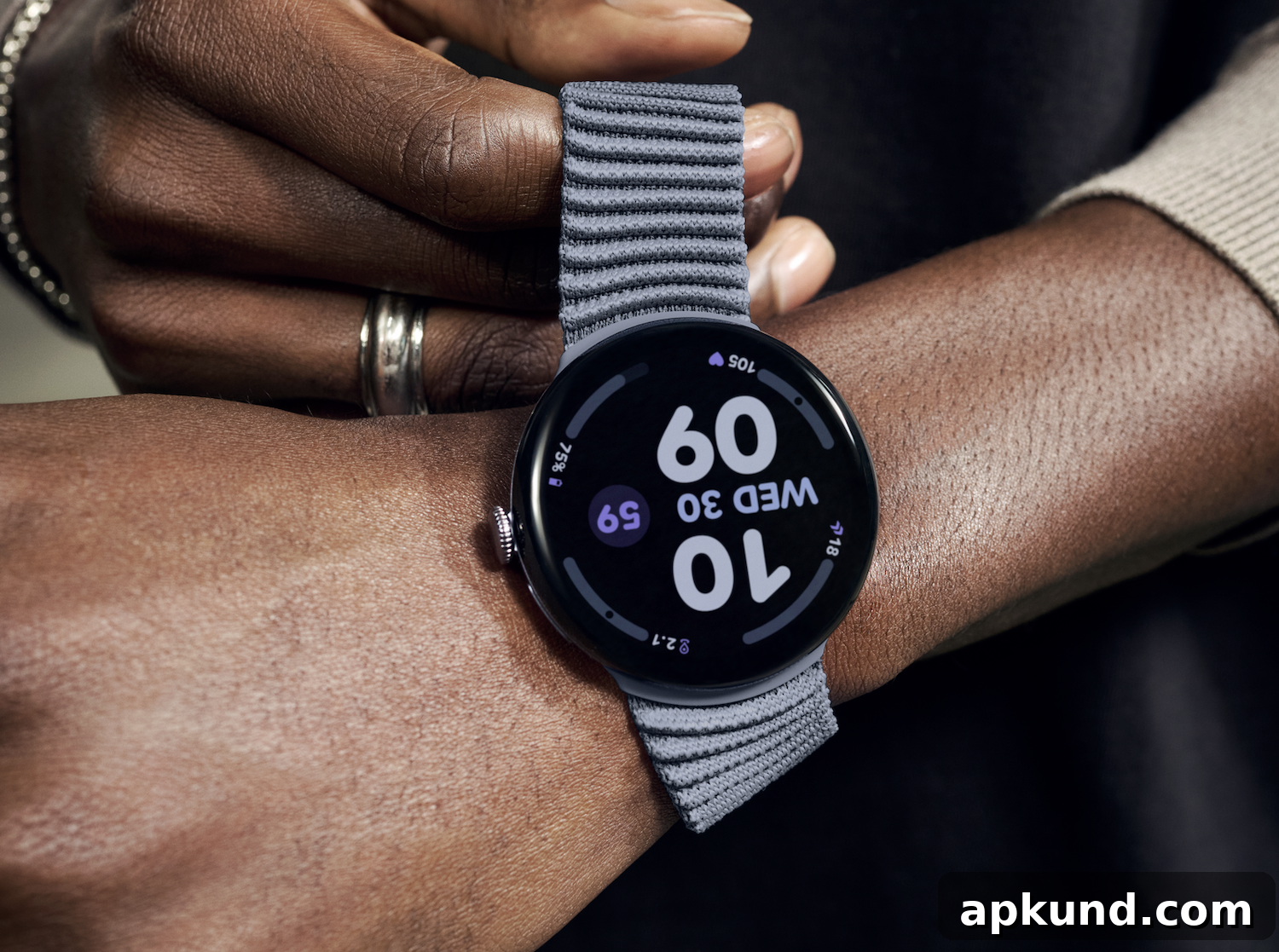
Sleep tracking is one of the main reasons many people choose a Pixel Watch. That makes it especially frustrating to wake up and discover your watch behaving as if last night’s sleep never happened. A number of Pixel Watch users are now seeing a message on the watch that says “No recent data. Wear your watch to sleep,” even after wearing the device overnight. Google has not issued an official statement about the issue.
Reports of the problem began to appear publicly last week on community forums and social platforms. Most of the complaints come from Pixel Watch 2 owners, though a clear picture of how widespread the issue is has not yet emerged. Users describe a consistent pattern: the watch’s sleep tile displays the “No recent data” error, but other signs point to the watch having recorded the sleep session.
The data isn’t missing — it’s just not displaying
For many affected users, sleep data still exists in the Fitbit app on their phone. Overnight metrics such as total sleep time, sleep stages, and breakdowns often appear normally in the phone app, indicating that the watch did record the night’s sleep. The problem seems to be limited to the watch’s ability to fetch or render that data on the sleep tile, rather than a total loss of tracking.
That distinction matters because it means the device’s sensors and background tracking continue to function for many people. Unfortunately, the watch itself provides no clear way to access those stored records when the error appears, leaving users forced to open their phone app if they want to review last night’s stats.
Attempts to fix it and current workarounds
Several common troubleshooting steps have been tried by users, with mixed results. Restarting the watch is the first recommended move, but most reports indicate a restart does not reliably resolve the error. Unpairing and re-pairing the watch, clearing app caches, and ensuring both watch and phone apps are up to date have been suggested by community members, but none of these steps has emerged as a guaranteed solution.
At present, the most dependable workaround is to check the Fitbit app on your phone for sleep records. If the Fitbit app shows the overnight data, then your watch appears to have recorded the sleep even though the watch tile does not display it. For users who rely on on-watch summaries or prefer glancing at the watch rather than their phone, this is understandably an unsatisfactory compromise.
How this fits into a pattern of issues
This sleep-display problem follows an earlier series of glitches affecting some Pixel Watch users earlier in the year. Past updates have been linked to incorrect step counts, strange calorie readings, and, in some instances, missing SpO2 and skin temperature data for certain people. Those incidents hint at sporadic software regressions or backend transitions that can disrupt how the watch and companion services exchange or present health data.
One factor that could be related is a broader transition happening with Fitbit and Google Health services, which involves changes on the backend for storing and surfacing fitness data. While those transitions may increase the likelihood of temporary display or sync issues, no official confirmation ties this specific sleep-display bug to any single cause or ongoing backend migration.
What users should watch for and next steps
If you own a Pixel Watch and see the “No recent data” message, first confirm whether your sleep data appears in the Fitbit app on your phone. If it does, your nightly tracking likely succeeded and the issue is limited to the watch display. Keep both your watch and phone app updated with the latest available software, as fixes are typically delivered through updates. If the problem persists across multiple nights, consider filing a support report with Google or Fitbit through the official app or support channels to ensure the issue is logged and can be investigated.
Until Google provides an official explanation or patch, affected users will need to rely on the phone app for accurate overnight summaries. The situation is inconvenient, particularly for people who purchased the watch specifically for on-wrist sleep insights, but the presence of the underlying data in the companion app suggests the tracking sensors themselves are still functioning for many users. Hopefully a software update will restore on-watch sleep displays soon.