
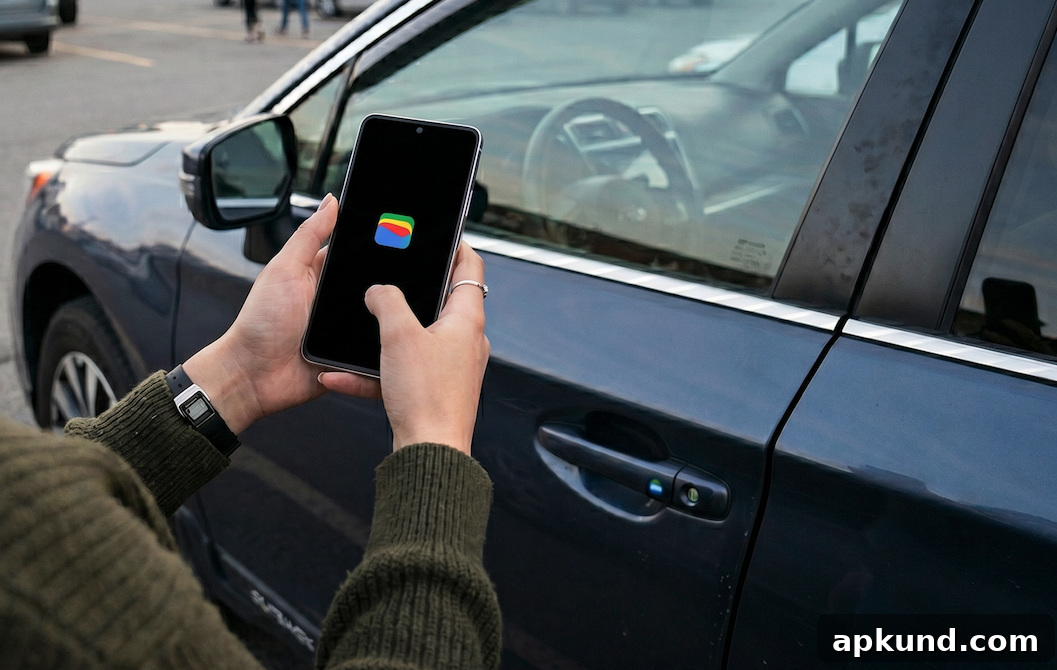
Google Wallet Adds Advanced Sharing Permissions and Cross-Device Sync for Digital Car Keys
If you store your car’s digital key in Google Wallet, check your device for the latest Google Play services update (v26.20). This update introduces advanced sharing permissions and cross-device syncing for digital car keys, providing more flexible control over who can access your vehicle and how they can use it.
The new system introduces three distinct user roles—Co-owner, Guest, and Service—each with different levels of access and restrictions. These roles are designed to cover common scenarios such as sharing keys with family members, lending a vehicle temporarily, or providing limited access for valet or repair services. By offering clear role differentiation, Google Wallet aims to make digital key sharing safer and more convenient.
Roles and Permissions Explained
The Co-owner role effectively duplicates the original key’s full permissions. Co-owners can operate the vehicle as if they held the primary key, which is useful for spouses, partners, or other household members who need unrestricted access.
The Guest role allows the key owner to impose specific limitations. These can include restrictions such as capped acceleration to limit high-speed driving and controls that reduce the maximum volume of the vehicle’s audio system. Guests are ideal for lenders who need temporary use of the car but should not have full owner privileges.
The Service role is intended for short-term or task-specific access, such as for repair shops, valet attendants, or other service providers. This role can be configured to grant the minimum necessary access for the duration of the task, then be revoked when service is complete.
Cross-Device Sync and Key Management
In addition to role-based permissions, authorized users can now transfer and manage digital keys across linked Android devices. For example, a user can sync a digital key from a smartphone to a Wear OS smartwatch, enabling convenient unlocking and access without taking the phone out of a pocket or bag. This cross-device feature increases flexibility while preserving control under the owner’s management settings.
Key transfer and device syncing are limited to compatible Android hardware running Android 12 or higher and to supported vehicle models. The feature is rolling out gradually to compatible devices and cars, so availability may vary depending on your hardware and vehicle manufacturer.
Security and Practical Considerations
These updates emphasize security and fine-grained control. By defining roles and specific restrictions, owners can minimize risk when sharing access. For instance, limiting a guest’s acceleration or volume settings helps protect the vehicle and its occupants while still allowing practical use.
Owners should review their device and car compatibility before relying on digital keys for critical situations. Ensure your Android device is up to date and that your vehicle supports digital key functionality through Google Wallet. Because the rollout is incremental, some users may not see the features immediately.
How to Use the New Features
To take advantage of these capabilities, update Google Play services to the latest version and open Google Wallet to manage your digital car key. From Wallet, you can assign roles, specify restrictions for Guest or Service access, and link additional Android devices for syncing. Always confirm the permissions you assign and revoke access promptly when it is no longer needed.
These enhancements make digital car keys more versatile and secure for everyday use. With role-based permissions and cross-device syncing, Google Wallet offers more nuanced control over vehicle access while keeping the management experience straightforward for owners.