
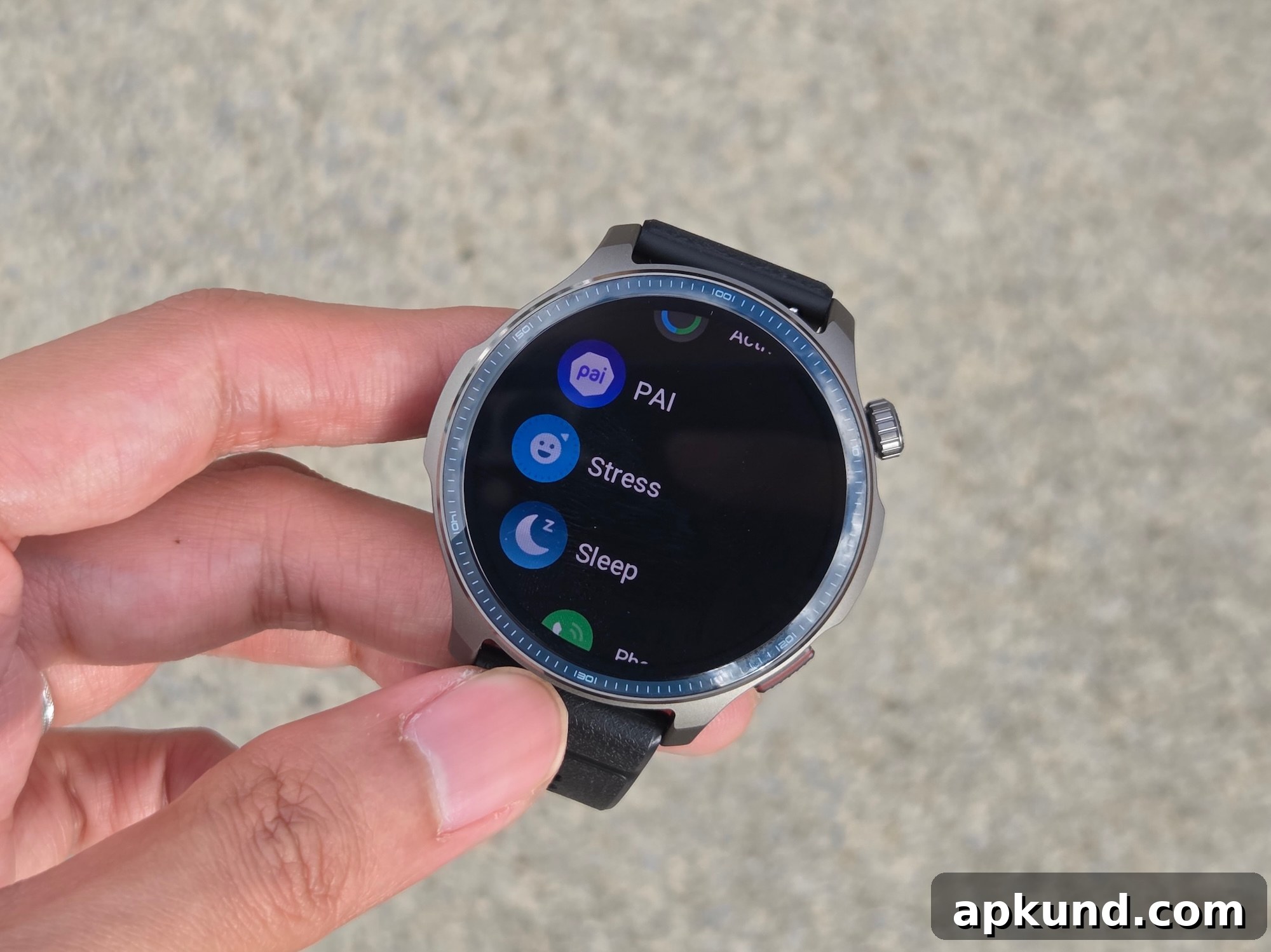
Amazfit has announced the rollout of iOS Notification Forwarding for a selection of its smartwatches, bringing deeper interaction with iPhone notifications directly from the wrist. Instead of simply displaying passive alerts, eligible Amazfit devices can now handle interactive actions such as quick replies and context-specific commands that previously required the phone.
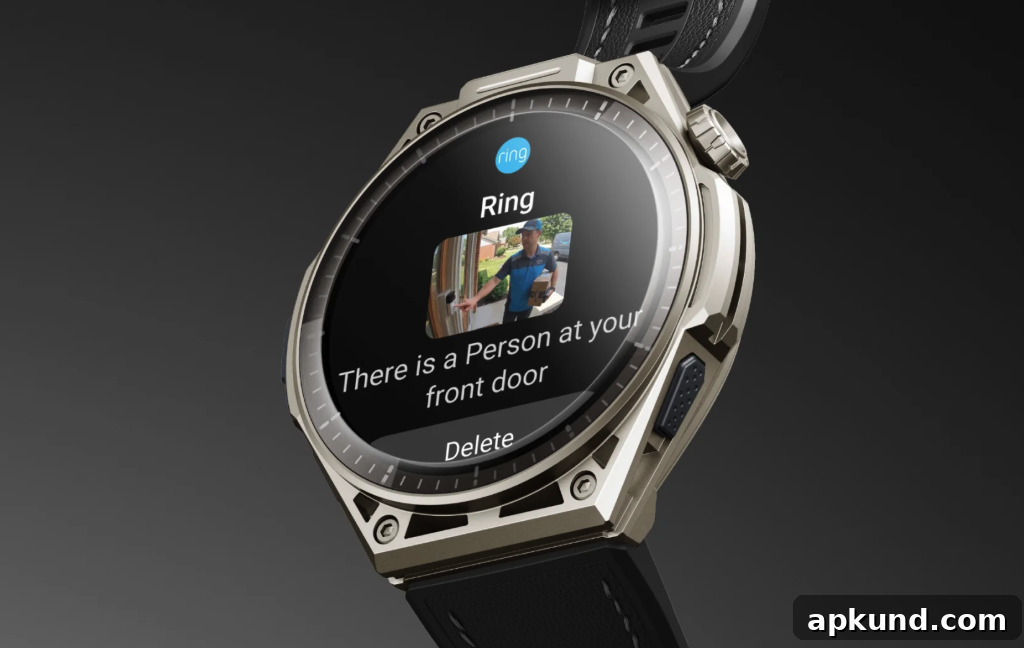
Introduced as a beta feature for eligible users in the European Union running iOS 26.5 or later, this update expands what a smartwatch can do for iPhone owners. The new functionality includes quick reply support for messaging apps such as WhatsApp, action buttons like “Mark as Read” or “Call Back,” and the ability to preview notification images from connected devices such as smart doorbells and security cameras. These capabilities make common interactions faster and more convenient when your phone is out of reach.
To use iOS Notification Forwarding, users must update both the Zepp App and their watch firmware to the latest versions. Amazfit provides an automated prompt in the app to guide eligible users through setup, though it is also possible to enable the feature manually via the Feature Checklist or the App Notifications menu. The process is designed to be straightforward: update, follow the prompts, and grant the necessary notification permissions so the watch can mirror and act on incoming alerts.
At launch, Amazfit lists the Cheetah 2 Ultra, Balance Ultra, and Balance 3 as supported models. The company states that more devices will receive updates in the near future, naming the Bip Max, Active 3 Premium, Cheetah 2 Pro, T-Rex 3, T-Rex 3 Pro, T-Rex Ultra 2, and Balance 2 as planned recipients. Users of those models should watch for firmware and Zepp App updates to enable the same functionality when it becomes available for their device.
Because this capability is currently in beta, Amazfit cautions that specific reply and action options may vary by notification type and depend on Apple’s implementation and ongoing support. For example, some third-party app notifications may offer full quick reply functionality, while others might only present a limited set of actions. This variability is common during beta periods and reflects differences in how apps and services expose actionable content to connected devices.
From a privacy and security perspective, users should expect standard permission requests when enabling notification forwarding. The Zepp App requires access to notifications so the watch can receive and act on them. As always, users should review permission prompts carefully and consider which notifications they want forwarded to their wrist. For those who prefer a more limited experience, Amazfit’s settings allow control over which apps can send actionable notifications to the watch.
The user experience aims to be fluid and responsive. Quick replies are designed to save time with common responses or with short, custom replies where supported. Action buttons let you complete simple tasks—such as marking an alert as read or declining a call—directly from the watch interface. Image previews for compatible notifications enhance usability for home security alerts or visual messages, letting you quickly assess whether an event requires immediate attention.
For developers and third-party app makers, this represents an opportunity to better integrate with wearable ecosystems. As Apple and wearable manufacturers expand the set of supported actions and refine APIs, third-party apps may be able to expose more nuanced interactions to wearables, improving the overall responsiveness of a paired watch and phone combination.
Amazfit’s staged beta approach allows the company to gather user feedback, identify edge cases, and optimize performance across the variety of watch models in its lineup. Users who participate in the beta and enable the feature can help by reporting issues through the Zepp App so that the feature can be refined before a wider release.
If you own one of the supported models and live in the EU with an iPhone running iOS 26.5 or later, check the Zepp App for the latest updates and setup instructions. If your device isn’t on the initial compatibility list, keep an eye out for future firmware updates from Amazfit announcing broader availability. The new iOS Notification Forwarding feature represents a meaningful step toward more capable, standalone smartwatch interactions for iPhone users while maintaining control over privacy and notification preferences.