
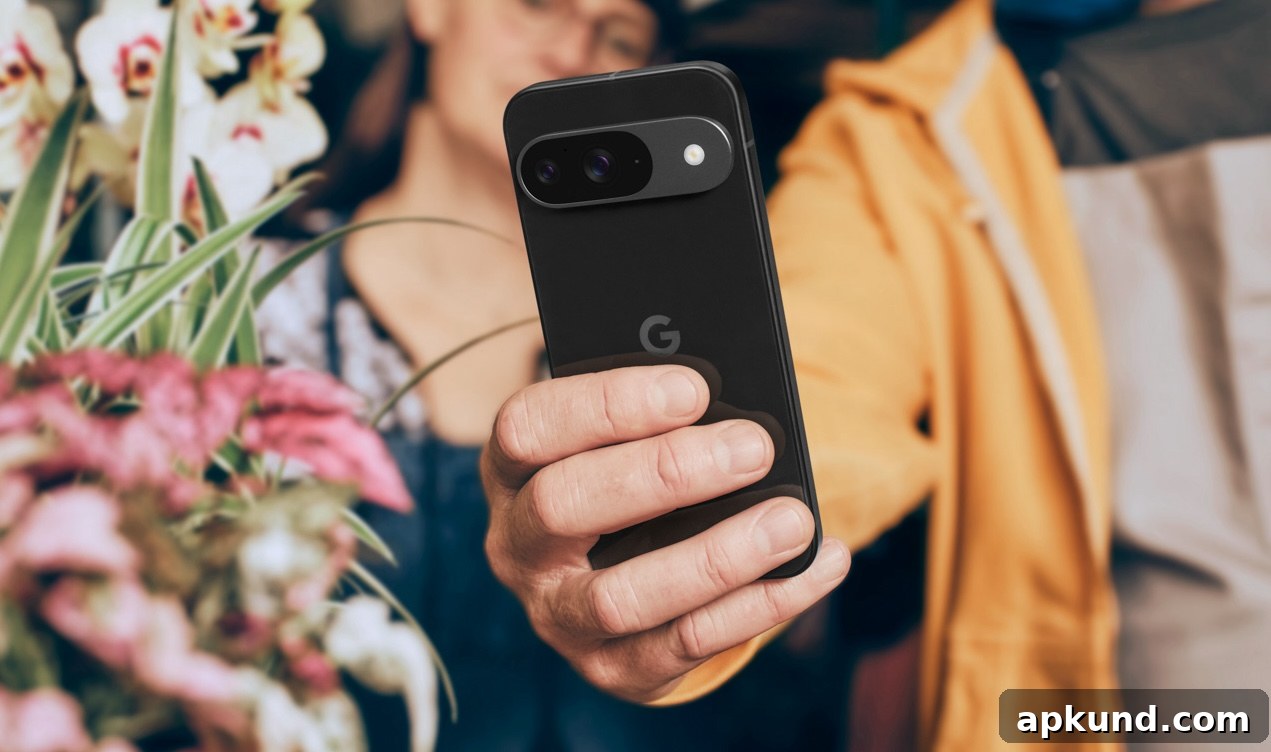
Google’s Quick Share feature (previously known as Nearby Share) has become a core file‑sharing tool for Android users, removing the need for third‑party apps when sending large documents, photos, or videos. Today Google announced a new tap‑to‑share capability for Quick Share that begins rolling out immediately, simplifying one of the most common everyday tasks: moving content between phones quickly and securely.
The initial rollout targets Google Pixel models starting with the Pixel 6. With tap‑to‑share, two compatible phones can exchange contact information, photos, videos, and other media simply by bringing them together. For quick contact swaps, the transfer can be initiated directly from the home screen: users tap the two phones together and the devices complete an instant, two‑way exchange of contact details without requiring additional steps. For media like photos and videos, users start from the device’s standard Share Sheet and then tap the phones together to finish the transfer.
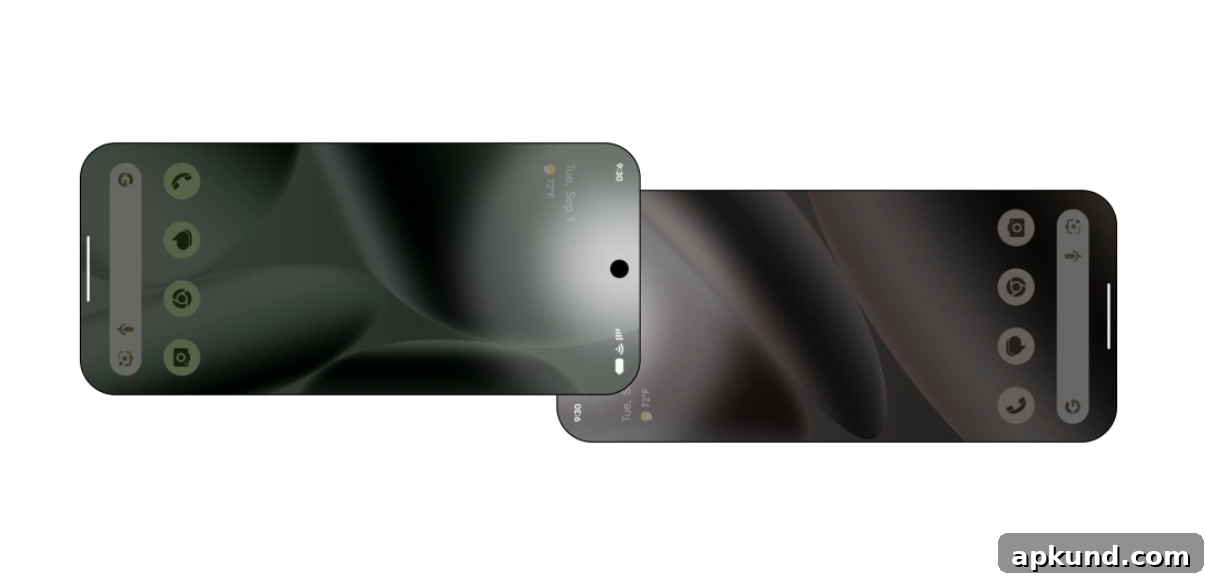
Google says tap‑to‑share for Quick Share will expand beyond Pixel phones. The update is scheduled to arrive next on Samsung’s Galaxy Z Fold8 Ultra, Fold8, and Flip8, and Google plans to extend the feature across the broader Android ecosystem by the end of the year. That broader availability will make it easier for more Android users to rely on a native, integrated sharing experience rather than installing separate apps.
The move builds on Quick Share’s recent cross‑platform developments. Earlier this year Google introduced interoperability between Quick Share and Apple’s AirDrop, enabling file transfers between Android devices and iPhones, iPads, and Macs. That cross‑platform functionality first appeared on Pixel phones and has since been adopted by additional Android manufacturers. Combined with the new tap‑to‑share gesture, these updates reflect a broader push to make device‑to‑device sharing faster and more frictionless, regardless of brand.
Tap‑to‑share aims to balance simplicity with user control. Initiating a transfer requires a deliberate physical action—bringing devices together—and the Share Sheet step for media ensures users confirm what they’re sending before a transfer completes. These safeguards help prevent accidental exchanges and make the sharing flow intuitive for everyday use, whether you’re trading contact info at a networking event or sending a group of photos to a friend.
For those familiar with similar features, Apple’s NameDrop offers comparable contact exchange by placing iPhones close together. Google’s implementation extends that concept across Android with support for a wider range of file types and an explicit Share Sheet flow for media, making it well suited to how people use their phones today to capture and share moments.
From a practical standpoint, users who want to take advantage of tap‑to‑share should ensure their devices are updated to the latest system software and that Quick Share is enabled in settings. Keeping Bluetooth and nearby device scanning enabled will help devices discover each other quickly during the tap gesture. Because the feature is rolling out by device and manufacturer, availability may vary by region and carrier; Google’s phased approach intends to bring the feature to more phones over the coming months.
Overall, tap‑to‑share for Quick Share simplifies common sharing tasks and reduces reliance on third‑party apps. By combining a straightforward physical gesture with familiar system UI for confirming transfers, Google aims to make sharing content between phones faster, safer, and more convenient for everyday use.