
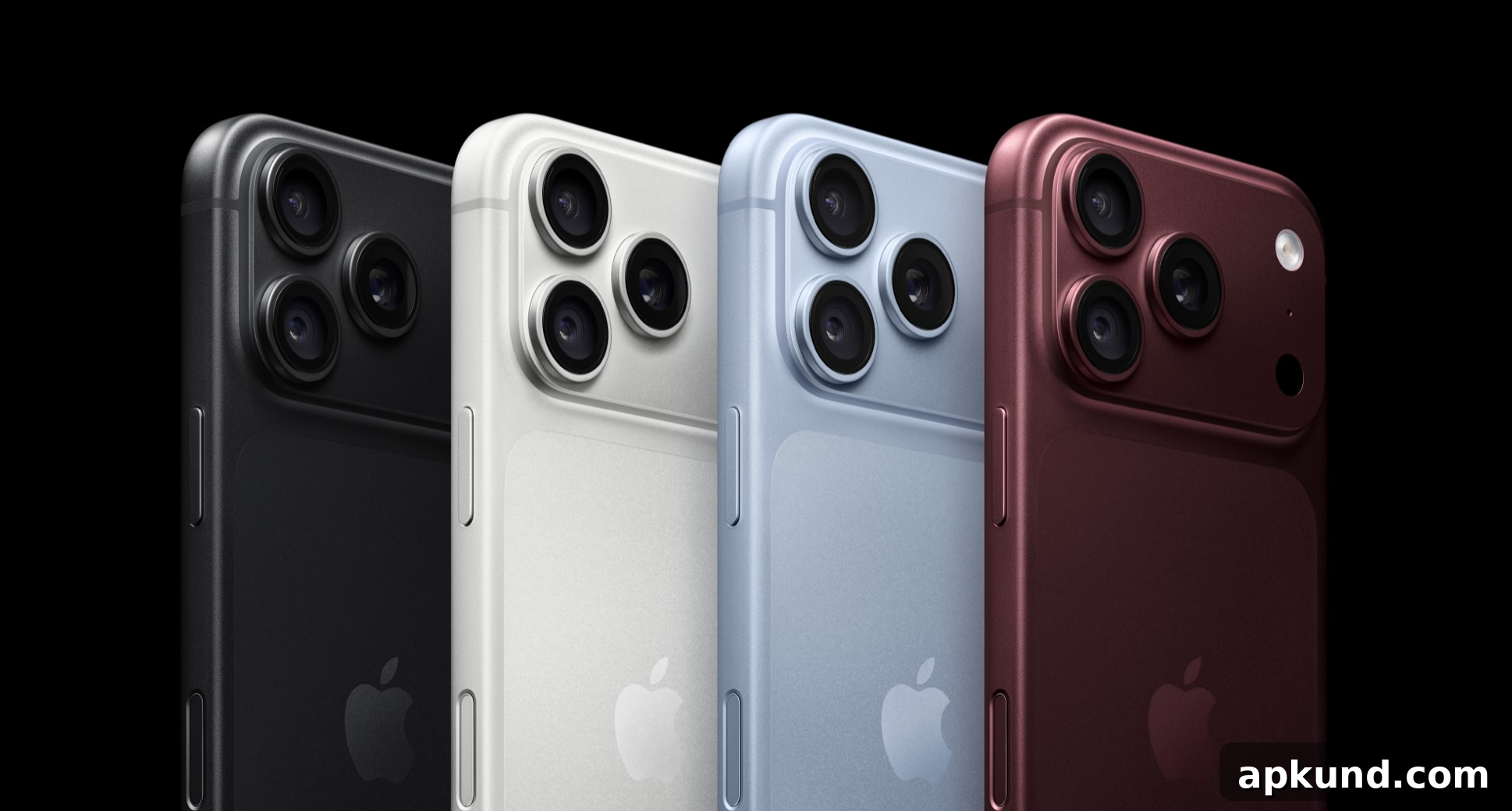
Apple has released a software update to fix a bug that caused certain iPhone 18 Pro and Pro Max units to freeze and automatically restart when Face ID failed to recognize the user. The patch arrived on September 28, just ten days after the phones went on sale, and owners of affected models should install it as soon as possible. The update is available now; open Settings, tap General, then Software Update to download and install it.
Why your iPhone 18 Pro was restarting on its own
Within days of the iPhone 18 Pro launch, some owners reported that their phones would lock up and reboot unexpectedly. The issue typically occurred when Face ID failed to authenticate access to protected apps, such as Passwords, rather than when unlocking the home screen. Not all users were affected, and the problem appeared linked to the phone’s redesigned Face ID system—this year Apple moved the Face ID camera into a smaller cutout at the top of the display.
Tech outlets reproduced the behavior by covering the front-facing camera area with a hand while attempting to open an app secured by Face ID. In those tests, the phone became unresponsive to touch and then restarted a few seconds later. Apple acknowledged the problem and indicated a software update was forthcoming to address it.
Importantly, Apple says the issue is software-related rather than a hardware defect. That distinction matters for anyone who returned or exchanged their device thinking it was a defective unit. If you already swapped phones at an Apple Store because of this behavior, a replacement was unnecessary for the issue itself; installing the update should resolve the problem on affected units.
Apple’s release notes explain that some iPhone models may restart unexpectedly if Face ID fails to authenticate. The company has not publicly detailed the underlying cause beyond that description. If your phone continues to reboot after applying the update, contact Apple Support for further diagnostics and assistance. Until you install the update, a practical workaround is to hold the phone squarely in front of your face to help ensure a successful Face ID scan and avoid triggering the buggy behavior.
Two more annoying glitches get fixed too
The Face ID restart bug wasn’t the only problem addressed in the update. Apple also corrected a visual issue affecting some zoomed photos: under specific lighting conditions, certain Pro models displayed an unexpected color shift when using 2x zoom. Most users are unlikely to have encountered this quirk, but the update eliminates it for those who did.
A third fix included in the release addresses an interaction between Notification Center and Control Center. If both overlays were opened simultaneously, some iPhones could become unresponsive to touch. Apple says this particular issue could affect all iPhone models, so the update delivers the correction broadly, not only to the newest Pro phones.
Together, these fixes aim to stabilize the user experience on the latest iPhones and older models alike. Installing the software update is the recommended step for anyone experiencing these symptoms. As with any system update, be sure your device has a recent backup and enough battery life or is connected to power before beginning the installation.