
Google has introduced a new option for signing into your Google Account: selfie video verification. This feature is designed to serve as an additional recovery method when more common sign-in tools—like your phone, backup codes, or recovery email—aren’t available. As with other recovery options, selfie video is presented as an option to add alongside existing account protections, not as a mandatory replacement.
Your Google Account stores sensitive and valuable material, from treasured photos to important emails and documents. To keep that information private and accessible only to you, Google encourages setting up multiple sign-in methods. Selfie video joins those choices as a new alternative for account access and recovery.
Selfie video offers another path into your account if you’re ever locked out or can’t use your usual device.
To enable the selfie video recovery option, users record a short guided clip using the device’s camera. During setup, the app will ask you to follow simple prompts and make small head movements so the system can capture multiple angles of your face. This short baseline recording is stored securely—encrypted at rest—and used only to confirm your identity if you later need to recover access. If you ever experience an account lockout, you can film a fresh selfie video and Google will compare the new recording to the stored baseline to verify that you are the account owner.
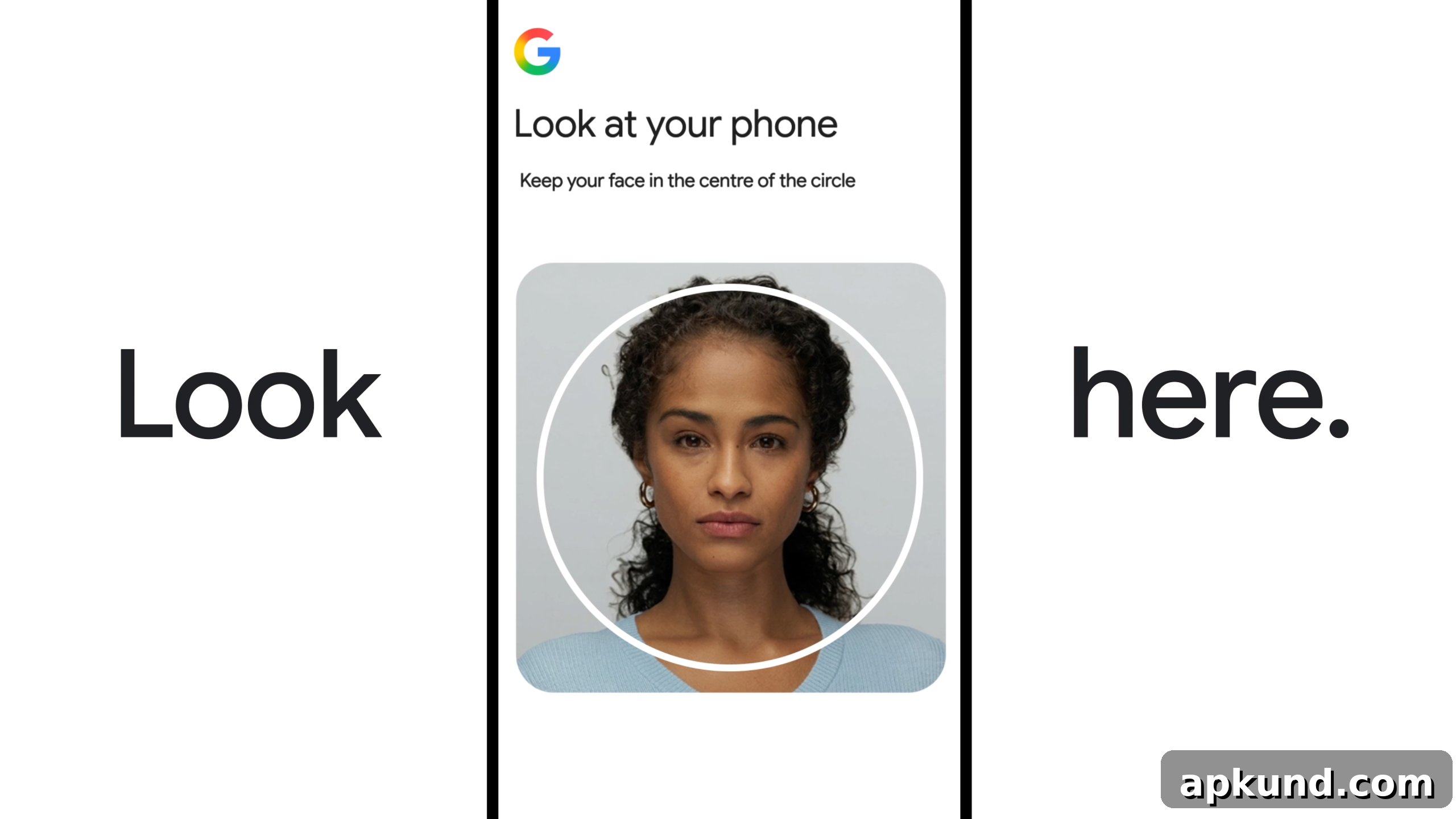
Google emphasizes that saved selfie videos are kept secure and accessible only with the user’s consent. Account holders can view and remove their stored video any time from their Google Account settings. According to Google, the footage is used strictly for account recovery unless a user explicitly grants permission for other uses. This control is intended to reassure users who are concerned about retaining biometric information online.
While some people are likely to welcome an additional recovery option that can help when a phone or recovery email is unavailable, others may feel uneasy about providing biometric data, even when it is encrypted and stored with consent. Public sentiment toward biometric and identity verification tools has been mixed in recent years, so reactions to selfie video will vary. For many users, the convenience of a guided, quick verification method may outweigh privacy concerns; for others, the idea of storing facial data may remain uncomfortable.
For users who are considering adding selfie video to their account security, it’s wise to treat it as one component of a layered approach. Google recommends maintaining multiple sign-in and recovery options—such as a secure password manager, two-step verification, backup codes, and a recovery email or phone—so you have alternatives if one method becomes unavailable. Selfie video can act as a useful fallback in that lineup, but it should be paired with other protections for the strongest overall security.
From a practical perspective, the setup is described as straightforward: record the short guided video on a device with a camera, follow the simple head movement prompts, and allow Google to encrypt and store the clip for recovery use. You can delete the stored video whenever you wish. If you decide later that you no longer want to use selfie video, removing the saved recording and disabling the option in account settings should return you to your previous recovery methods.
It remains to be seen how broadly selfie video will be adopted and whether it will become a common part of Google’s security toolkit. Some users will value the convenience and reliability of another recovery route, while others will prefer to rely on non-biometric methods. Regardless, Google’s rollout of this option reflects the company’s ongoing efforts to offer a range of sign-in and recovery tools so account holders can choose the balance of convenience and privacy that suits them best.
If you want to check whether your account is eligible and to set up selfie video, look for the option within your Google Account security settings. Remember to consider all available recovery methods and to keep multiple options active so you can regain access quickly if you ever get locked out.