
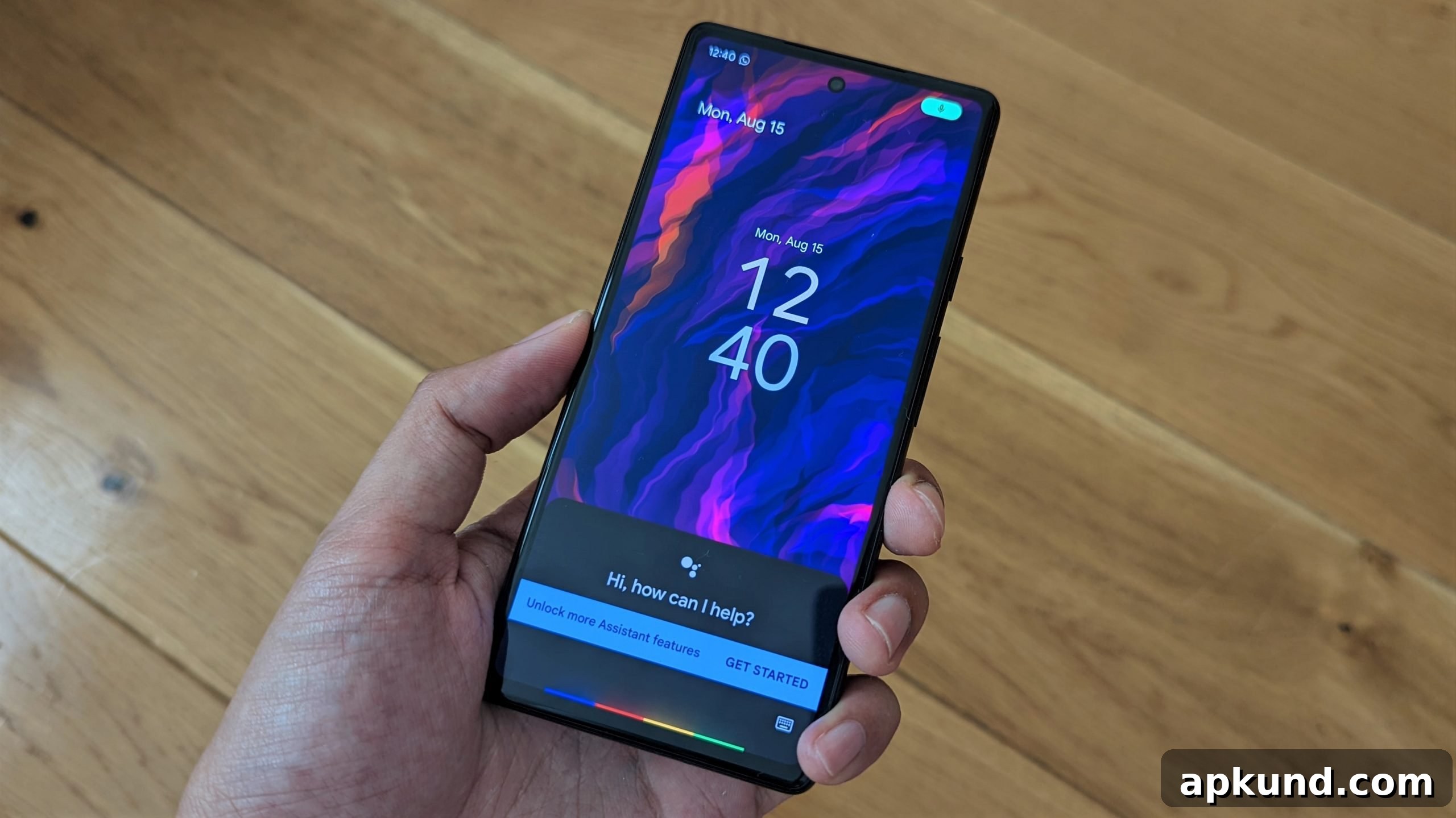
Google Assistant is being retired. The voice helper that introduced millions of users to “Hey Google” in 2016 will be fully discontinued starting September 4, 2026. Google’s newer AI assistant, Gemini, will replace Assistant across the affected devices and services.
Google confirmed the shutdown date in messages sent to users. Beginning on September 4, the company will start removing Assistant from Android phones, tablets, Wear OS smartwatches, headphones, and Android Auto. This removal will roll out gradually; Google says it may take a few weeks for the change to reach every device. Once Assistant is removed from a device, there will be no option to revert — Assistant will no longer be available on those platforms.
The end of an era for “Hey Google”
For many people, Google Assistant was their first conversational experience with a virtual helper: checking the weather, setting timers, getting directions, and controlling basic functions without touching the screen. Launched on phones in 2016, Assistant expanded to smart speakers, headphones, watches, and car dashboards over the following years. While Assistant had already been phased out from some platforms earlier, the September 2026 shutdown marks the final large-scale step in retiring a decade-long product that introduced voice interaction to millions of users.
Over the past months, Gemini has quietly taken over many of Assistant’s responsibilities. Google has been working to close feature gaps between the two assistants, incorporating core Assistant abilities into Gemini’s capabilities. Several familiar actions — such as sending messages using a preferred messaging app — have already been adapted so Gemini can perform them directly, reducing disruption for everyday users.
It’s important to note that some products and integrations remain unaffected by this change. Cars with a factory-installed Google Assistant embedded directly into the vehicle’s dashboard will continue to work for now, and standalone smart speakers and displays are not part of this specific shutdown. The September change specifically targets phones, tablets, Wear OS watches, headphones, and Android Auto installations that depended on the legacy Assistant app and services.
What to expect once it’s gone
When Assistant is removed, activating voice commands with “Hey Google” or long-pressing the phone’s power button will bring up Gemini instead. For most people, the transition should be seamless: Gemini already handles the basic tasks users relied on Assistant for, including questions, timers, reminders, and voice searches. In many cases, day-to-day operations will look and feel the same, only driven by Gemini’s underlying AI.
However, users who created custom routines, complex automations, or third-party integrations tied specifically to the older Assistant framework should double-check their setups once Gemini reaches their device. Not all legacy configurations are guaranteed to transfer automatically, and some routines may need manual recreation or updates to work under Gemini’s environment. If you rely on customized automations for home control, accessibility, or workflow automation, plan a brief review of your routines after the rollout completes.
From a practical standpoint, device owners won’t need to reinstall anything: the change is a server-side switch and a phased rollout managed by Google. Still, it’s a good idea to confirm that your device is running the latest system and app updates prior to the transition window to minimize potential hiccups. If you use voice-driven features heavily, familiarize yourself with Gemini’s interface and settings so you can adjust preferences and permissions promptly.
In summary, the retirement of Google Assistant closes a major chapter in consumer voice assistants, but it also marks a step forward for Google’s AI strategy. Gemini is positioned as the next-generation assistant across Google’s supported device ecosystem, consolidating familiar features while introducing advanced AI capabilities. Users should expect a gradual, managed change and should verify custom setups to ensure a smooth transition when their devices are updated.