
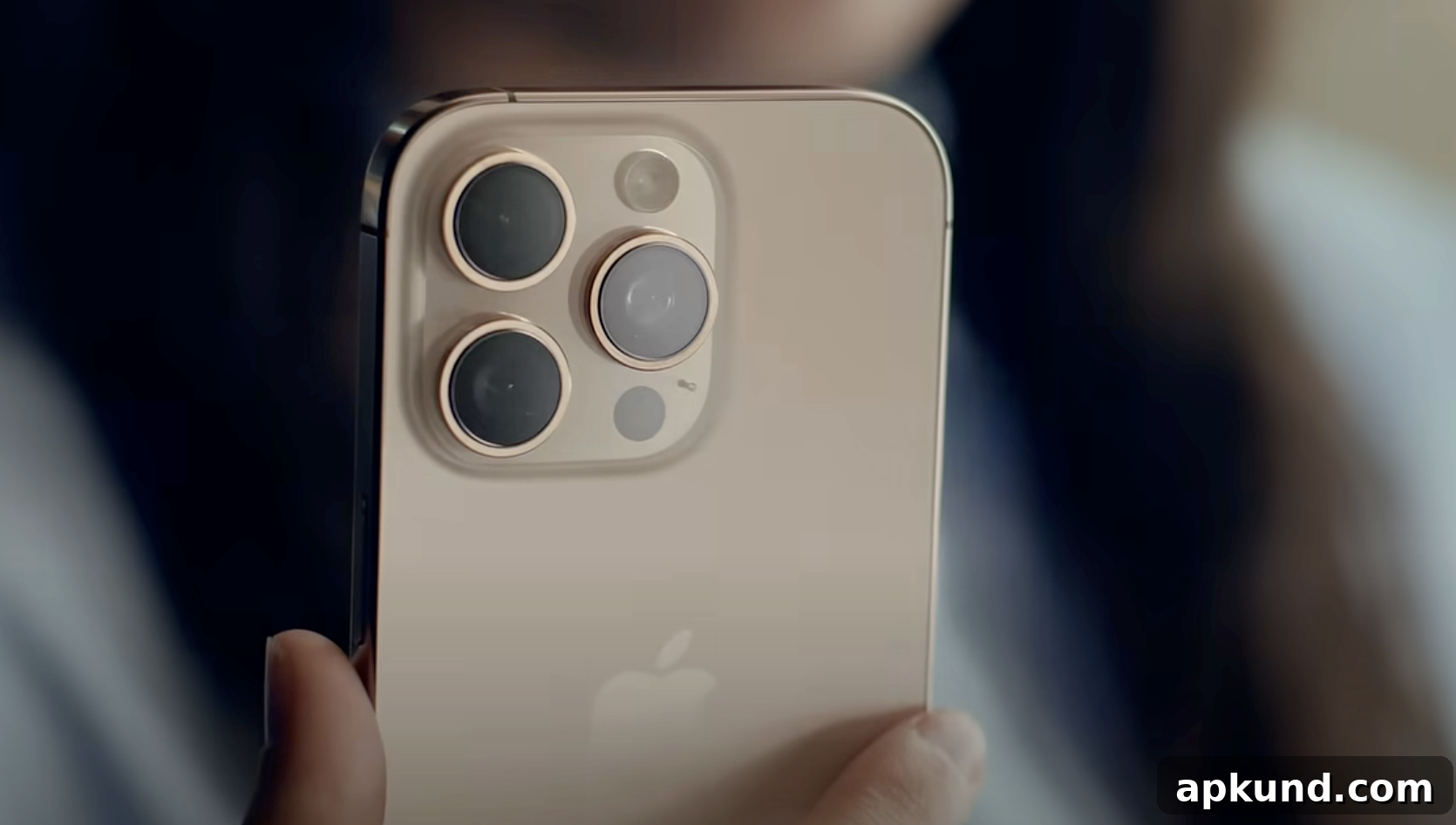
Aside from its new iPhone lineup, one of the more notable announcements from Apple this week was the introduction of an “iPhone Handoff” feature that allows users to share a single phone number across two iPhones running iOS 27 or later. Once activated, calls, voicemails, text messages, and Find My location updates automatically route to the iPhone you are currently using, simplifying life for anyone who keeps more than one device in regular use.
There are a few important prerequisites to set up and use iPhone Handoff. Both iPhones must be connected to Wi‑Fi, signed into the same Apple ID, and have Messages in iCloud enabled. In addition, FaceTime and iMessage must be signed in with that same Apple account on both devices. The feature is also carrier-dependent: at launch, only certain carriers support it, including T‑Mobile in the United States and Telekom in Germany. Availability will vary by region and carrier support may expand over time.
During the setup process, you choose which device will be the primary iPhone and which will act as the secondary. The primary device becomes responsible for carrier-specific services such as Caller ID and Call Forwarding. You can configure Handoff during the initial setup of a new device or enable it later through Settings: go to cellular options and follow the cross‑device prompts to complete the pairing and activation.
When you switch between devices, unlocking the iPhone you want to use activates your shared phone number on that device. A confirmation message appears at the top of the screen to show that your number is now active on that phone. This makes it clear which device is handling incoming calls and messages at any given moment, reducing confusion when you have both phones nearby.
Apple also clarifies a few important limitations and behaviors. Apple Watch connections do not automatically switch between iPhones: watches remain paired to the device they are most frequently connected to, so Handoff will not migrate your watch pairing. In terms of Wallet items, most payment cards and supported car keys will sync and become available on both iPhones. However, some transit passes and government IDs may remain tied to a single device due to issuer restrictions or regulatory rules.
If you ever need to replace a device, transferring your eSIM to the new iPhone is required to maintain the shared number. In some cases the carrier may not support automated direct transfers, in which case you may have to re‑enroll in the service with the carrier on the replacement device. Dual SIM setups are supported, but only if both lines use carriers compatible with the Handoff feature; each eSIM must be configured and managed individually to ensure proper operation.
Finally, it’s worth noting how to disable the service. Apple advises that turning off Handoff or stopping the shared-number arrangement typically requires contacting your carrier directly. Simply deleting an eSIM from a device does not cancel the carrier service agreement for the shared number, so carrier assistance is necessary to fully terminate the feature.
READ: All of Apple’s Current iPhone Models Just got $100 More Expensive
Overall, iPhone Handoff offers a convenient way to keep one phone number active across two devices, streamlining calls and messages for users who regularly switch between phones. It requires a few setup steps and carrier support, but for people who juggle multiple iPhones, the feature promises to reduce friction and make switching devices feel more seamless.