
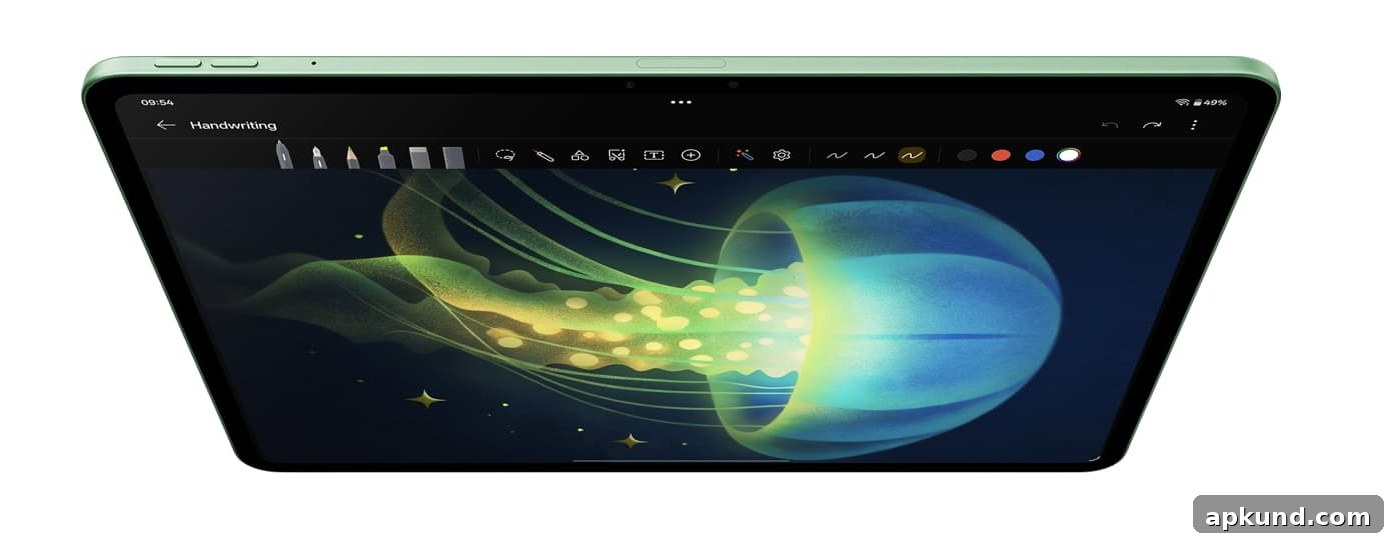
The OnePlus Pad 4 is a compelling Android tablet designed for media consumption, productivity, reading, and gaming. Its expansive 13.2-inch 12-bit IPS LCD offers a sharp 2,400 x 3,392 pixel resolution and supports a high 144Hz refresh rate for smooth motion. The display also includes Dolby Vision support and reaches up to 1,000 nits of brightness in High Brightness Mode (HBM), making it well suited for HDR content and bright-room viewing.
That combination of a large, high-resolution panel and fast refresh rate makes the OnePlus Pad 4 versatile. For streaming video, the Dolby Vision compatibility enhances dynamic range and color depth when paired with compatible content. For productivity tasks, the large canvas gives extra room for split-screen apps, document editing, and note-taking. Gamers will appreciate the responsive feel of the 144Hz refresh rate, while readers benefit from the spacious display for long-form text and PDFs.
OnePlus has not disclosed the exact type of protective glass used on the Pad 4’s display. Because the company has not specified the glass material, a tempered glass screen protector or a high-quality film protector is a sensible precaution. A screen protector helps guard against scratches, everyday wear, smudges, and accidental impacts — especially important for a large-screen device that will be handled frequently and often used on the go.
When choosing a screen protector, consider the following practical points to match how you use the device:
- Scratch resistance: Tempered glass protectors typically offer the best scratch and impact protection, while PET or TPU films can be thinner and more flexible.
- Touch sensitivity: Select a protector that preserves stylus and touch responsiveness if you plan to use a pen accessory or perform frequent touch interactions.
- Optical clarity: Since this tablet’s strengths include HDR and high brightness, choose a protector with high transparency to maintain color accuracy and display clarity.
- Anti-glare and oleophobic coatings: If you work in bright environments or often have to manage fingerprints and smudges, these coatings can improve usability.
Beyond screen protection, a good case is an important accessory for a device of this size. Cases can provide drop protection, an integrated stand for hands-free media viewing, and a secure place to store or mount a stylus if you use one. If you’re shopping for a case, look for one that balances protection with a slim profile and reliable stand angles to support both lap and desk use.
- Best OnePlus Pad 4 cases
Availability of third-party accessories can vary, and some sellers may list compatible screen protectors, folio cases, or keyboard covers designed specifically for the OnePlus Pad 4. If you rely on accessories for travel or heavy daily use, buying reputable brands with clear return and warranty policies is recommended.
Overall, the OnePlus Pad 4’s large display and modern features make it a strong choice for anyone prioritizing multimedia playback, gaming smoothness, and a roomy workspace for productivity. Taking simple precautions like applying a quality screen protector and using a protective case will help preserve the tablet’s screen and chassis over the long term.
Note: This article may contain affiliate links that help support our authors and keep the Phandroid servers running.