
Opera Introduces Automatic VPN Activation for Public Wi‑Fi
Opera recently revealed a substantial update to its built‑in VPN feature, coinciding with the tenth anniversary of the browser’s native VPN service. The new capability is designed to automatically enable the VPN whenever a user connects to unsecured public Wi‑Fi, reducing the risk of exposure on open networks and bringing more consistent protection for everyday browsing.
We’ve had a free VPN built into the browser since 2016. It doesn’t ask you for an account, it doesn’t have a bandwidth limit, and it doesn’t cost anything. We did it that way because we believe that you should be in control of the way you see and reach the web. After ten years, some browsers have integrated something similar, albeit in different ways.
Public Wi‑Fi networks often carry additional security risks and it’s always a good idea to use a VPN when you’re connected to them. But let’s be honest, it’s normal to forget to turn your VPN on when you’re coming from a long trip to an airport, or when you just want to work through the afternoon from a cafe – your mind is somewhere else and that’s okay, we got you.
How the Automatic Activation Works
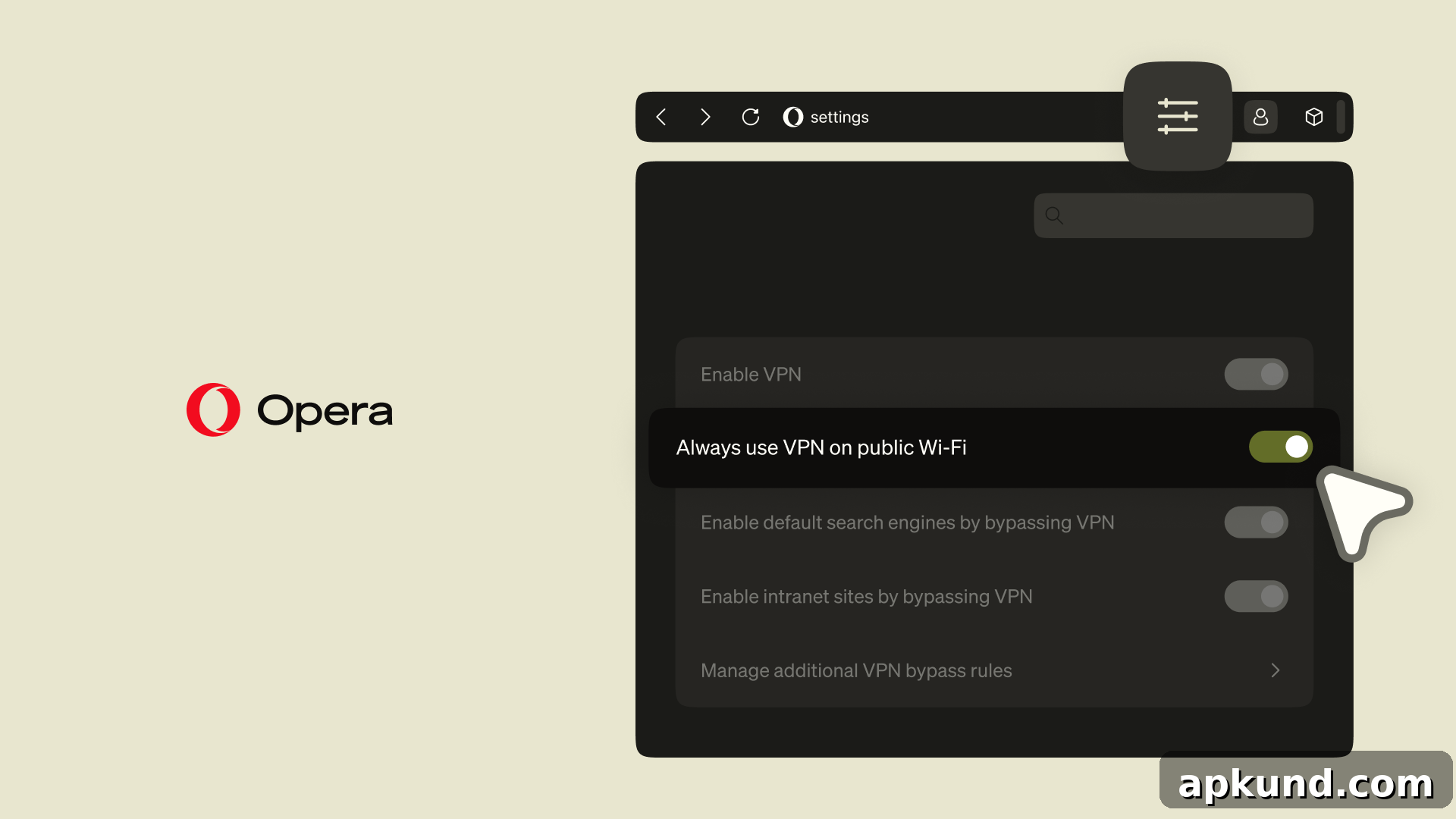
The update adds a simple setting in Opera’s preferences that lets the browser automatically turn on the VPN whenever it detects a connection to an unsecured public Wi‑Fi network. Users who prefer manual control can leave the feature off, while those who want seamless protection can enable it once in the browser settings. To activate the option, go to Settings, find the VPN section, and toggle on “Always use VPN on Public WiFi.”
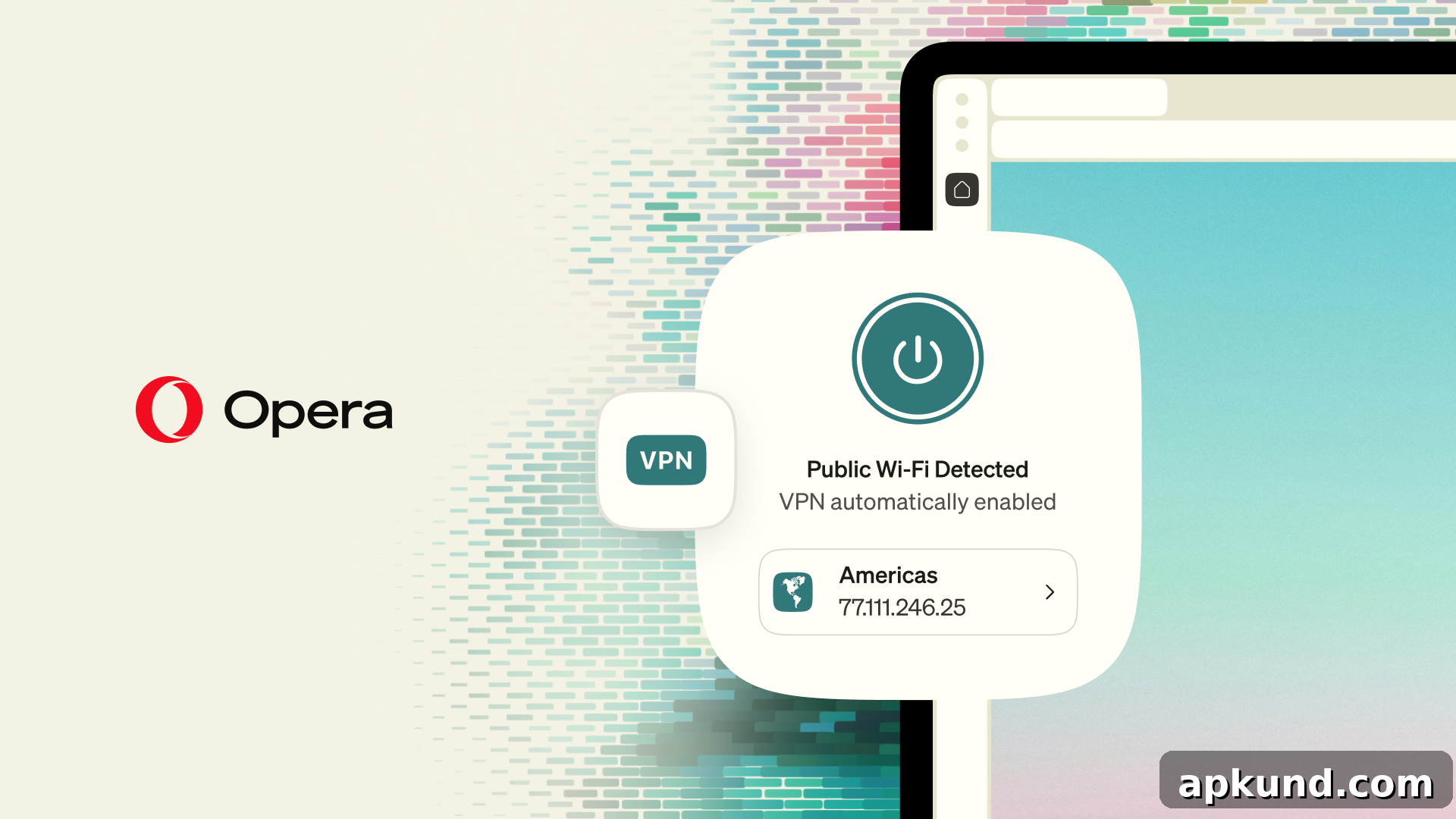
Once enabled, the browser will handle the activation transparently whenever you join a public network flagged as unsecured. This reduces the chance that you’ll forget to enable the VPN in moments when you’re distracted—such as arriving at an airport, moving between work locations, or taking a coffee shop call. The goal is to make privacy and security easier to maintain without changing how you browse.
Rollout and Availability
Opera plans to begin with an initial rollout in France and the United States. The company has indicated the feature will expand to additional regions over time. As with many staged releases, availability may vary by platform and version, so users should check their browser’s settings or release notes to confirm when the setting appears for them.
Security and Privacy Credentials
Opera emphasizes that its VPN service is designed to respect user privacy. The feature has undergone third‑party reviews: a 2024 audit by Deloitte validated Opera’s stated no‑log policy, and a 2022 code evaluation by cybersecurity firm Cure53 reviewed the implementation. These third‑party assessments are intended to provide additional assurance about the service’s handling of user data and technical security.
Why Automatic VPN on Public Wi‑Fi Matters
Unsecured Wi‑Fi networks can expose devices to a range of threats, including eavesdropping, man‑in‑the‑middle attacks, and session hijacking. Using a VPN helps encrypt traffic between the browser and the VPN server, mitigating many of these risks. By enabling automatic activation, Opera removes a common point of human error—forgetting to turn on protections—so users are more likely to stay protected during routine activities outside the home or office.
The convenience of a built‑in, free VPN that requires no account and imposes no bandwidth limits remains a central part of Opera’s pitch. For users who value simplicity, having the browser automatically protect connections to public Wi‑Fi reduces friction while maintaining a baseline level of safety for browsing, online banking, email, and other activities that involve sensitive information.
What Users Should Do Now
If you use Opera and want to take advantage of the automatic public Wi‑Fi protection, check your browser settings for the VPN options and enable the “Always use VPN on Public WiFi” toggle once the feature is available in your region. Keep your browser updated to the latest stable release to receive the rollout as it becomes available. Users who prefer to review privacy documentation can look for the published audit summaries and code review reports referenced by Opera for additional context.
For now, the automatic activation feature is a welcome step toward easier, more consistent protection on public networks. As the rollout continues, Opera users in additional regions can expect to see the option appear in their VPN settings.
Read: Mistral AI & Mozilla’s New Web Browsing Tool Focuses on User Privacy