
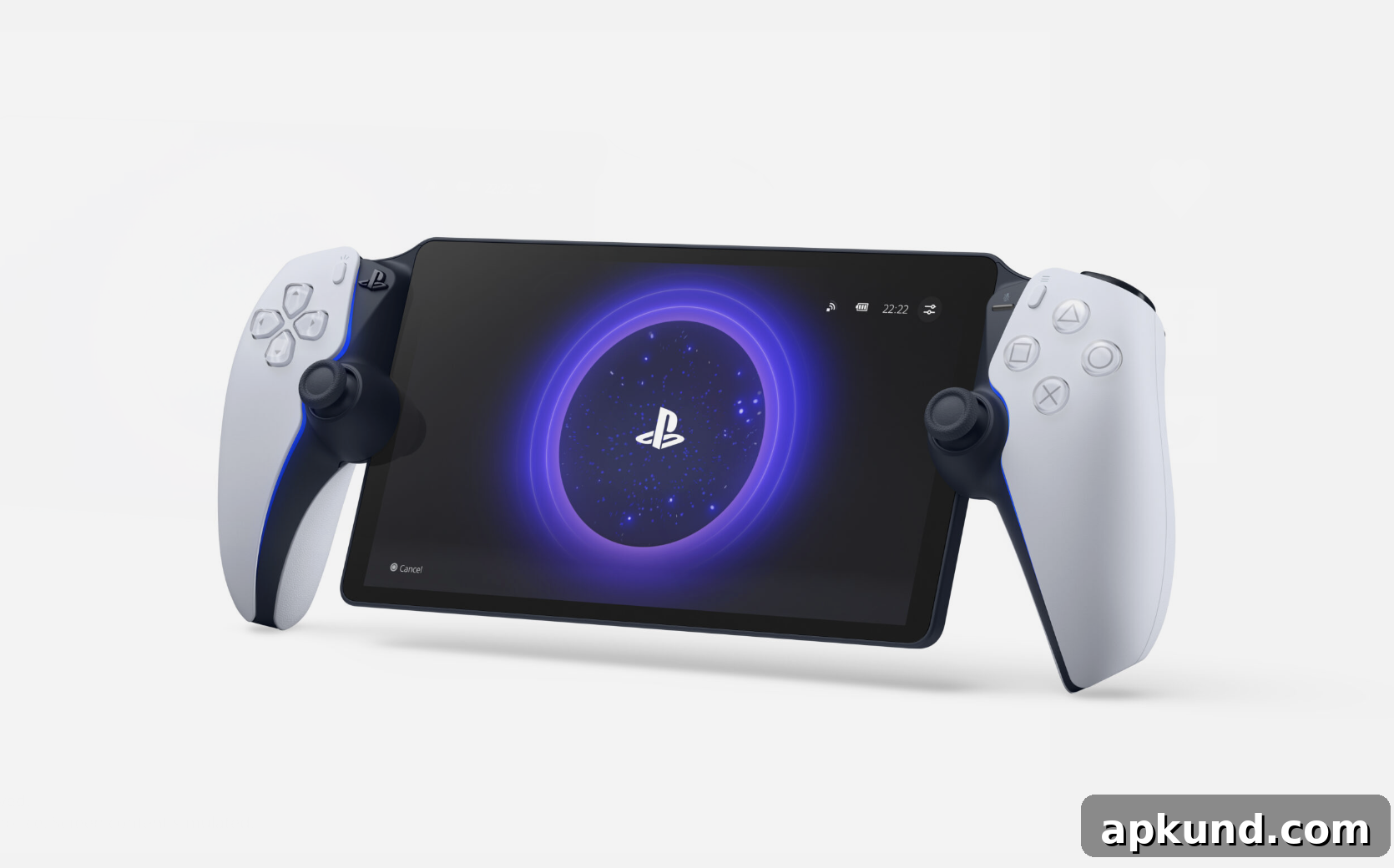
If you own a PlayStation Portal, check for a new system update—Sony has begun a global rollout that brings a range of performance and usability improvements for Remote Play and cloud streaming. This update focuses on higher-quality streaming, clearer on-screen notifications, streamlined navigation, and easier onboarding for new users, all designed to improve the handheld experience when streaming games from a PlayStation console or from the cloud.
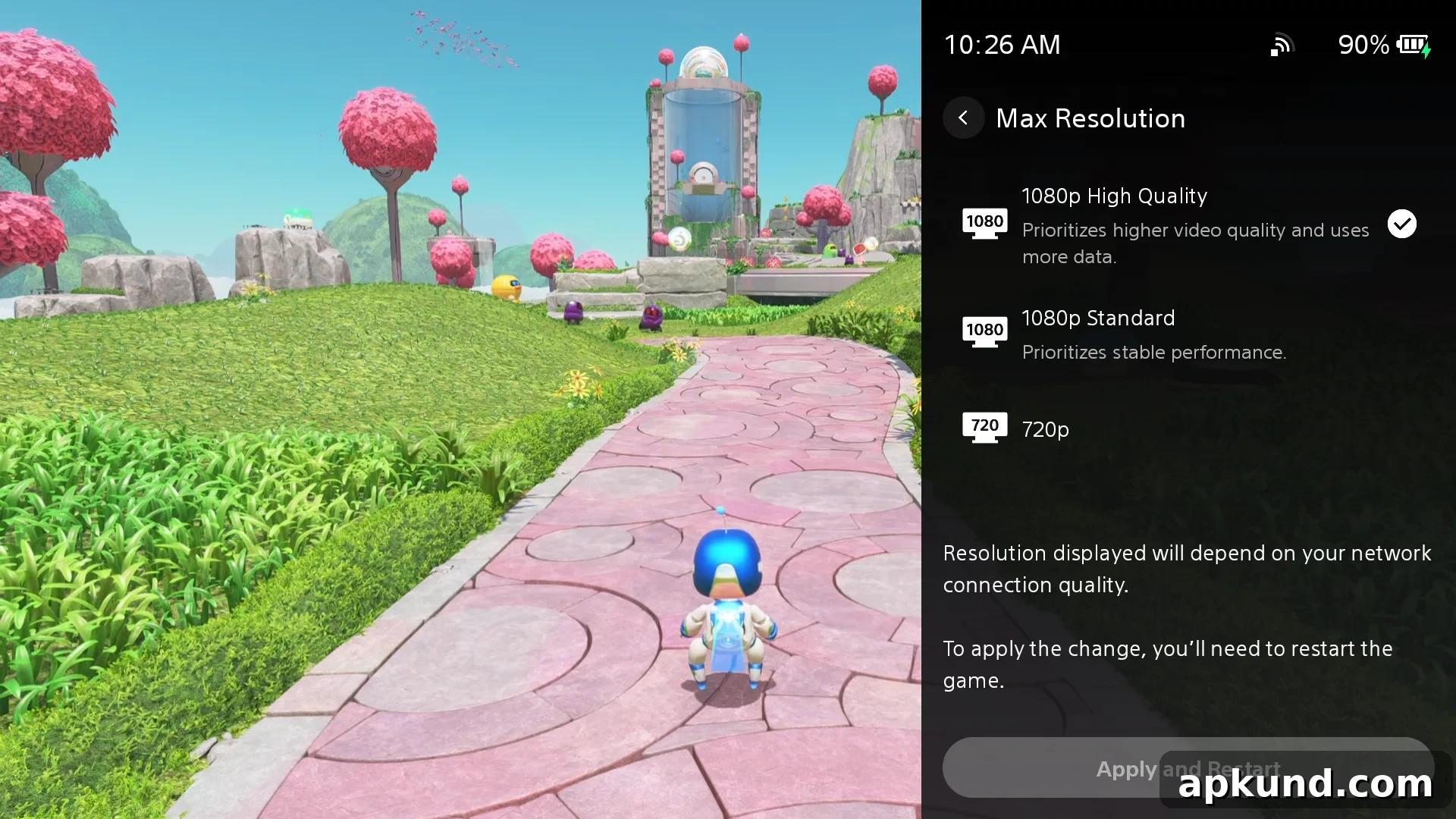
One of the most notable additions is a new 1080p High Quality mode. This option lets players stream at a higher bitrate than the previous standard, producing a smoother, more detailed visual presentation on the Portal’s display. To enable the mode, open the Quick Menu, find the Max Resolution settings, and select “1080p High Quality.” Keep in mind that enabling this option requires restarting your streaming session to apply the new settings. Users with strong home networks and robust internet connections should see the biggest benefit, while those on constrained bandwidth may prefer to remain on lower-resolution options to avoid stuttering or increased latency.
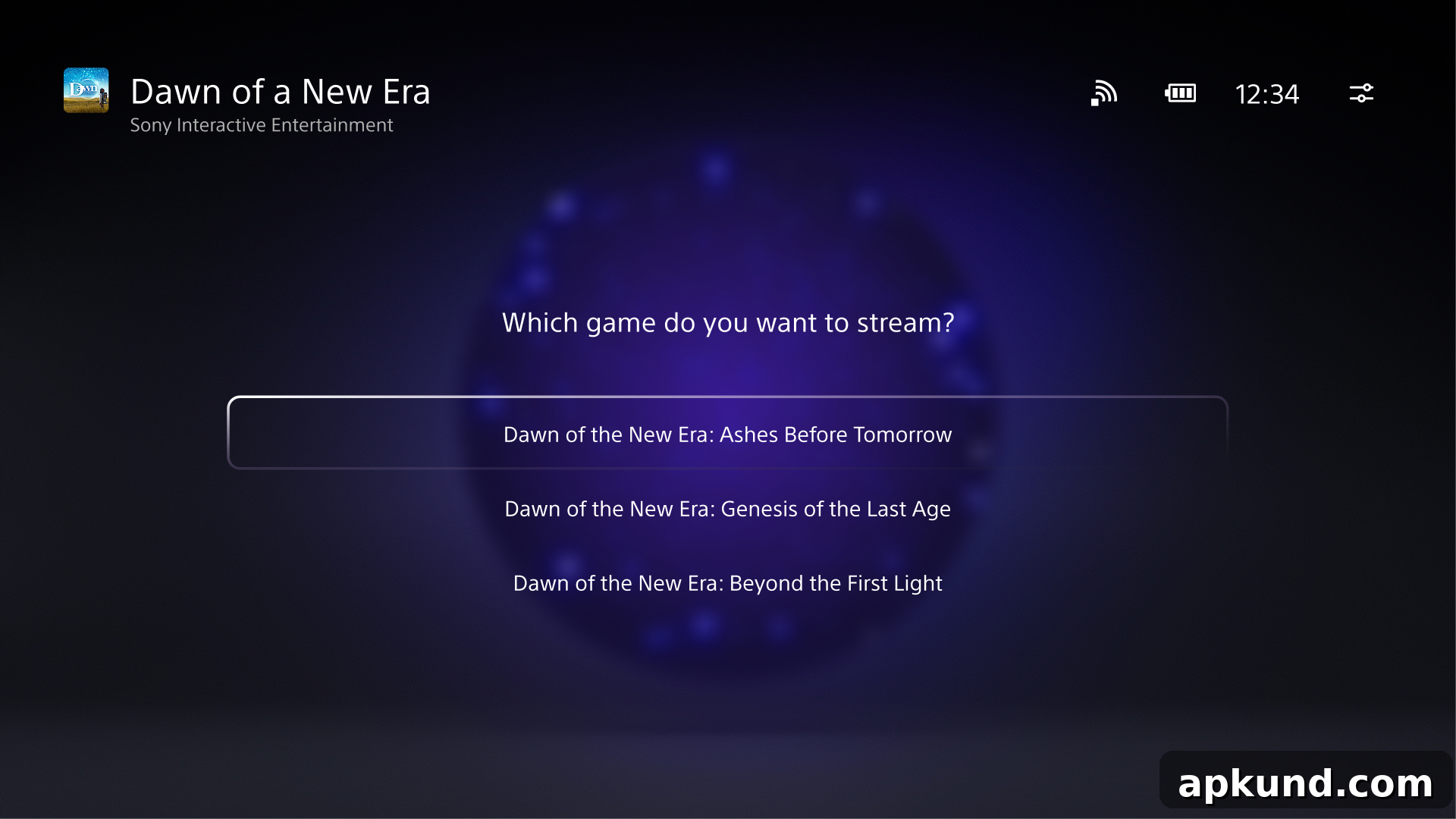
Cloud Streaming receives several interface improvements aimed at making game discovery and in-stream interaction easier. The Product Detail Page now offers a refined layout for game bundles, allowing players to choose specific titles directly from the stream menu without extra navigation steps. This change helps players quickly confirm which games are included in a bundle and launch the exact title they want to play.
On-screen notifications have also been redesigned for better visibility and clarity. Game invites and trophy alerts are more prominent and informative: trophy notifications now display the trophy name and image, giving immediate context about what was earned, and Platinum trophies include their signature animation to make milestone achievements more satisfying. These visual improvements reduce confusion during sessions and make it easier to recognize important events while playing.
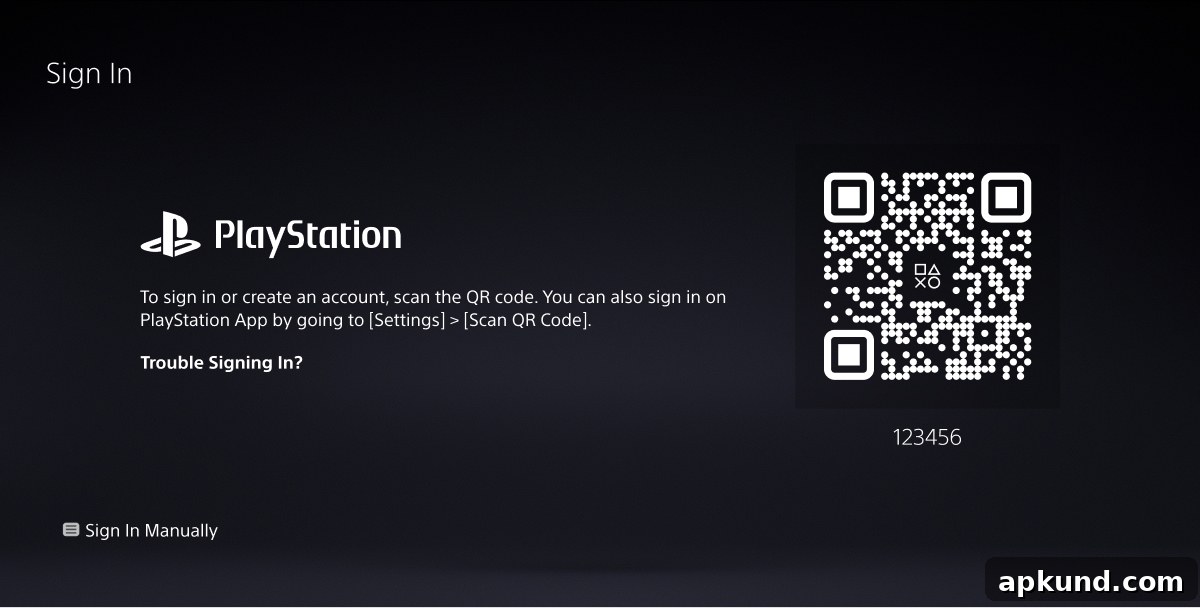
The update also includes several navigation and setup refinements. The search interface has been optimized to open the on-screen keyboard immediately when you enter the search field, reducing an extra tap and speeding up text entry. In addition, a new QR-code-based onboarding flow simplifies account setup: new users can scan a code with a mobile device to create or sign into an account quickly, eliminating manual entry of long credentials and making initial setup faster and less error-prone.
Beyond visible UI changes, the release notes mention general performance and stability improvements for Remote Play and cloud streaming, aiming to reduce connection drops and improve the overall responsiveness of the Portal while connected to a console or cloud service. While specifics vary depending on network and console hardware, the overall goal is a more consistent and enjoyable streaming experience across different play environments.
If you rely on Remote Play and cloud streaming regularly, installing this update is recommended. After updating, test the 1080p High Quality option if your network supports higher bitrates, and explore the refreshed cloud streaming pages to familiarize yourself with the improved bundle selection and notification layouts. These refinements should make gaming on the PlayStation Portal more polished and user-friendly.