
Samsung has been testing a Windows version of its browser since late 2025, and it has now moved out of beta. Samsung Browser for Windows introduces a notable new capability: an agentic AI assistant powered by Perplexity, built directly into the browser experience.
One of the most practical additions is the cross-device continuity feature. This goes beyond simple bookmark and history syncing. Samsung says the browser can pick up exactly where you left off on a webpage when you move from a Galaxy phone to a Windows PC, preserving the scroll position and the active view on the page. That level of continuity aims to make transitions between mobile and desktop more seamless for people who regularly switch devices while researching, reading, or working online.
To use the continuity features, you must sign in with a Samsung Account and have either the Samsung Continuity Service or the Galaxy Connect app installed on the Windows PC. For now, Samsung has limited the continuity support to Galaxy Book 3, 4, 5, and 6 series devices, though the company indicates it plans to expand support to additional models in the future.
Integrating AI features
On the AI side, the new Perplexity-powered assistant understands the content of the page you’re viewing and can act on that context. It can search across multiple open tabs, summarize text, and even locate specific moments inside videos, eliminating the need to scrub through long clips manually. These capabilities mirror features Samsung has been building into its Android browser versions for some time, so bringing them to the desktop aligns with the company’s broader push to embed helpful AI into everyday browsing tasks.
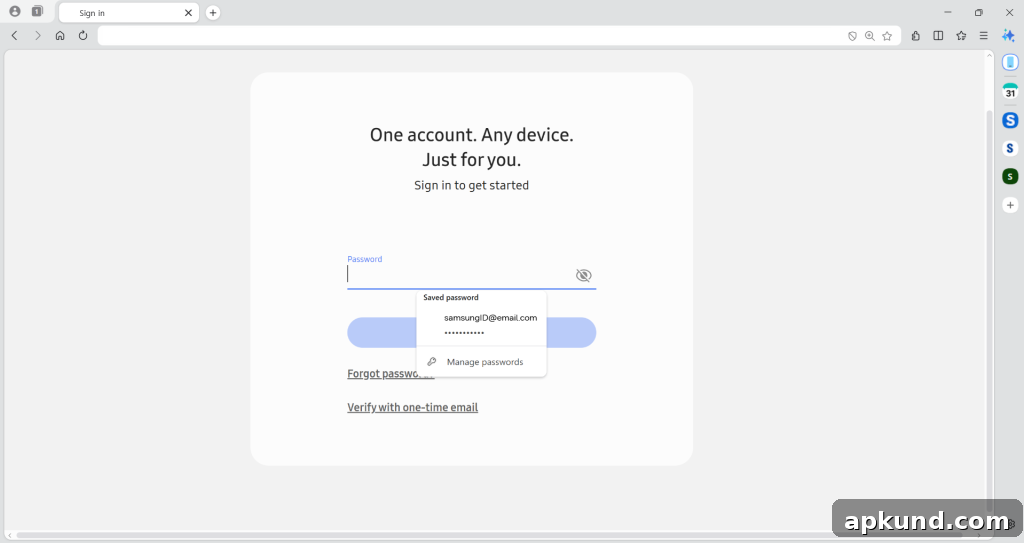
The browser also integrates with Samsung Pass for autofilling passwords and personal information across devices, which complements the continuity and AI features by making it easier to move securely between accounts and services without repetitive typing. Taken together, these features aim to reduce friction for users who split time between phones and PCs while keeping data and credentials synchronized.
Samsung Browser for Windows supports Windows 10 (version 1809 and above) and Windows 11, which gives it a broad potential install base across many modern PCs. However, the agentic AI features are initially restricted to the United States and South Korea. Samsung has not provided a firm timeline for when those capabilities will be available in other markets.
Over the years, Samsung has made several attempts to bring its mobile browser to the desktop. This release represents the most feature-complete Windows version to date, combining cross-device continuity, AI-driven assistance, and password autofill into a single package. Whether the browser will persuade users to switch away from established options like Chrome or Edge depends on how well these features perform in real-world use and how smoothly Samsung expands device support and regional availability.
From a practical standpoint, the features that emphasize continuity and context-aware assistance speak to a clear user need: minimizing disruption when moving between devices and reducing the manual work of locating information, summarizing content, and navigating long-form media. For users invested in the Galaxy ecosystem, those conveniences could make Samsung Browser for Windows an appealing alternative. For everyone else, the browser’s success will hinge on performance, compatibility, and the pace at which Samsung rolls out broader support and language or regional expansions.
Ultimately, Samsung Browser for Windows aims to combine familiar browsing basics with modern AI and continuity tools. If Samsung continues to refine the experience and widen compatibility beyond Galaxy Book models and the initial countries served, the browser could become a meaningful option for people who want tighter integration between their phones and PCs and smarter, context-aware browsing assistance.