
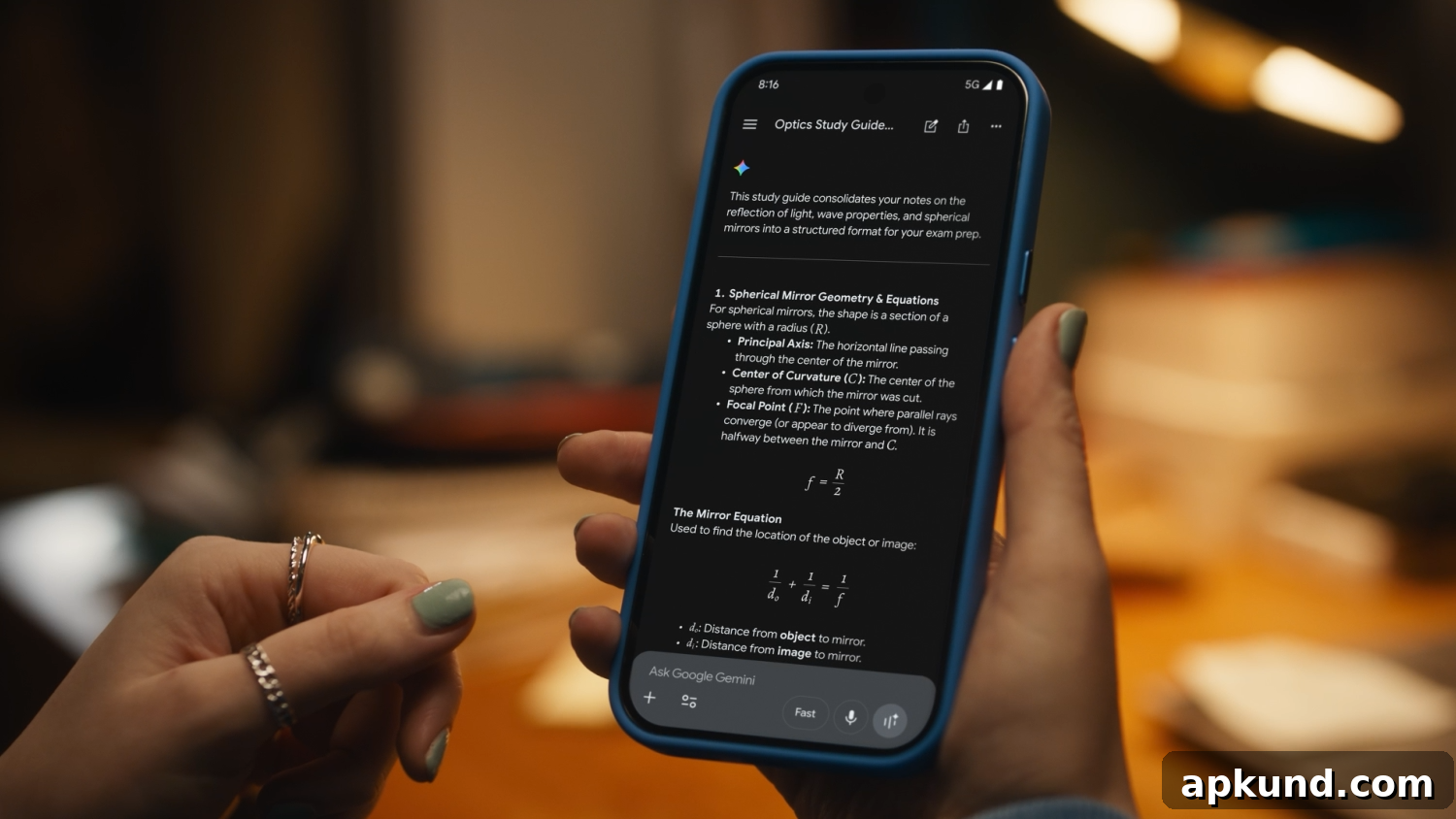
Google has steadily introduced new capabilities for Gemini across many areas and applications. One of the latest additions is a feature that helps students turn their notes and course materials into study guides. The process is straightforward, and students who use Gemini can generate a clear, organized guide directly from photos of their handwritten or typed notes.
If you spend a semester taking careful, handwritten notes, by the time exams arrive you can be left with a stack of pages and a lot of information to sort through. Fortunately, Gemini can take those notes and produce a logical, structured study guide to help you prepare for final exams or any major assessments.
To create a study guide with Gemini, the typical workflow is simple: take photos of your notes, upload the images to Gemini, and prompt the assistant to generate a guide based on the course materials. For example, a typical prompt would be: Create a study guide based on my course materials for my exams. Gemini will analyze the uploaded pages, identify key concepts, and compile a coherent outline and summary you can use to review efficiently.
Beyond producing a general study guide, Gemini can be asked to tailor the output to your needs. If you want to focus only on advanced topics without revisiting introductory material, you can instruct the assistant to skip the basics and concentrate on more complex lessons. This customization makes the tool useful both for quick review sessions and for deep dives into specific areas of a course.
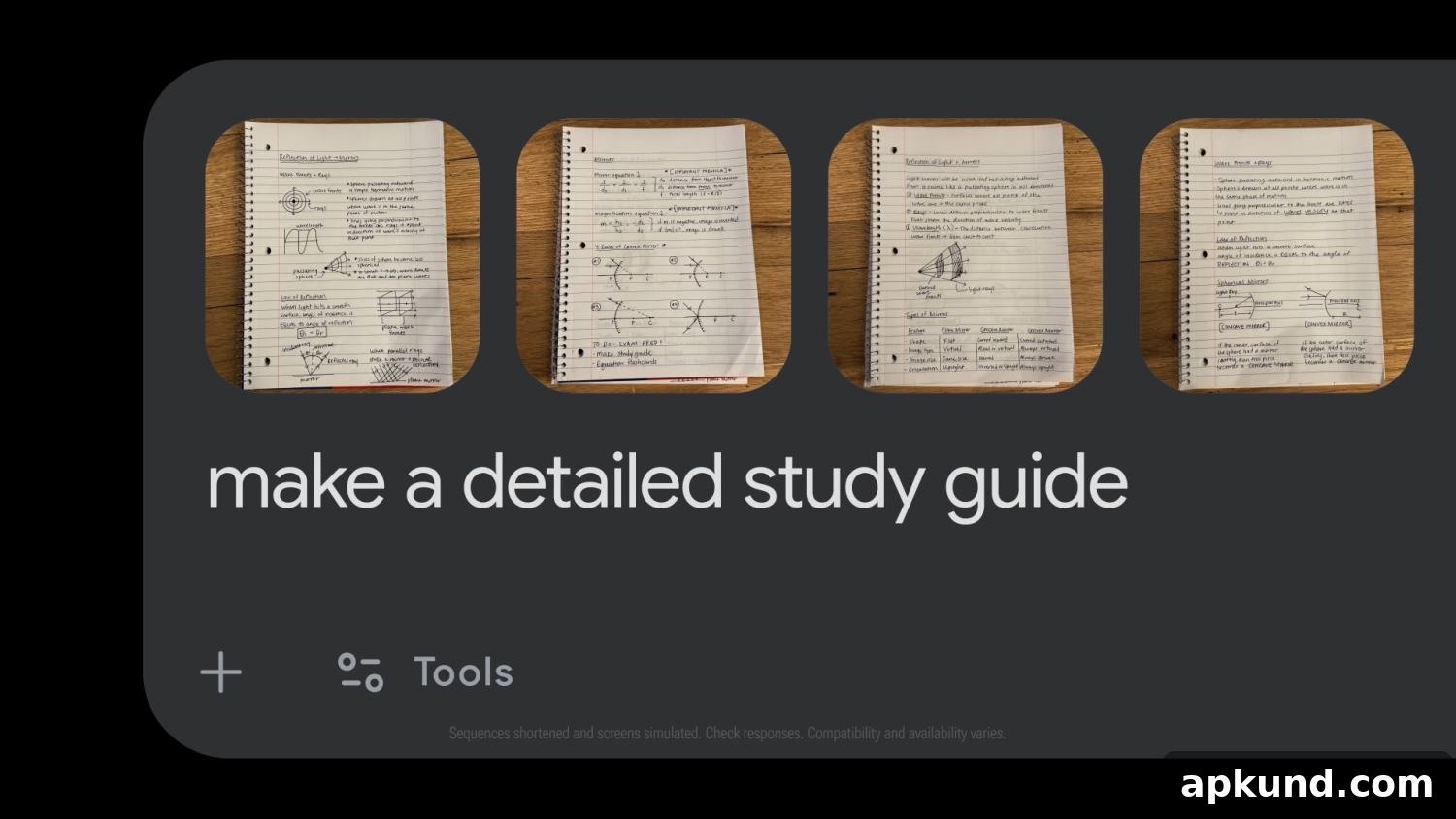
In addition to full study guides, Gemini can create study aids in several other useful formats. For example, it can generate flashcards that isolate definitions, formulas, dates, or other facts you need to memorize. Flashcards produced this way are concise and focused, making them ideal for spaced-repetition practice or quick drills between classes.
Gemini can also help organize an entire semester’s worth of material. If you upload notes from different lectures or weeks, the assistant can group those materials into manageable review sections—by topic, by week, or by exam unit—so you can study in logical blocks rather than feeling overwhelmed by a continuous pile of pages. This kind of organization is helpful for planning a study schedule and setting priorities for what to cover before each exam.
Another advantage of using Gemini is that it can identify gaps and suggest a study plan. After processing your notes, the assistant can highlight areas that appear underdeveloped or that lack clear explanations. It can then recommend additional practice questions, topics to revisit in class, or follow-up reading to strengthen weak spots. These suggestions help students create a more focused preparation strategy rather than relying on ad hoc review methods.
Students who prefer different study formats will find Gemini flexible. You can request summaries, bullet-point lists of key ideas, timelines of events, step-by-step walkthroughs for procedural subjects, or conceptual maps that link ideas together. This versatility helps accommodate diverse learning styles—whether you learn best through concise lists, visual mapping, or repeated self-testing.
Privacy and clarity are important when preparing study materials. When uploading notes, keep your file set organized and labeled so Gemini can associate each image with the correct lecture or topic. Clear, legible photos will improve the assistant’s ability to extract accurate content. If your handwriting is especially difficult to read, pairing images with typed notes or short clarifications will yield better results.
Using Gemini to digitize and summarize notes saves time and transforms scattered, handwritten material into an actionable study plan. The tool is designed to reduce the friction of exam preparation, helping students turn a semester’s worth of scattered notes into targeted review resources that can improve retention and confidence heading into tests.
Overall, these features represent practical ways for students to leverage AI to streamline studying: convert images of notes into structured guides, produce flashcards, reorganize semester content into reviewable sections, and receive targeted study recommendations. With clear prompts and well-organized uploads, Gemini can become a helpful study companion that complements classroom learning and personal study habits.