
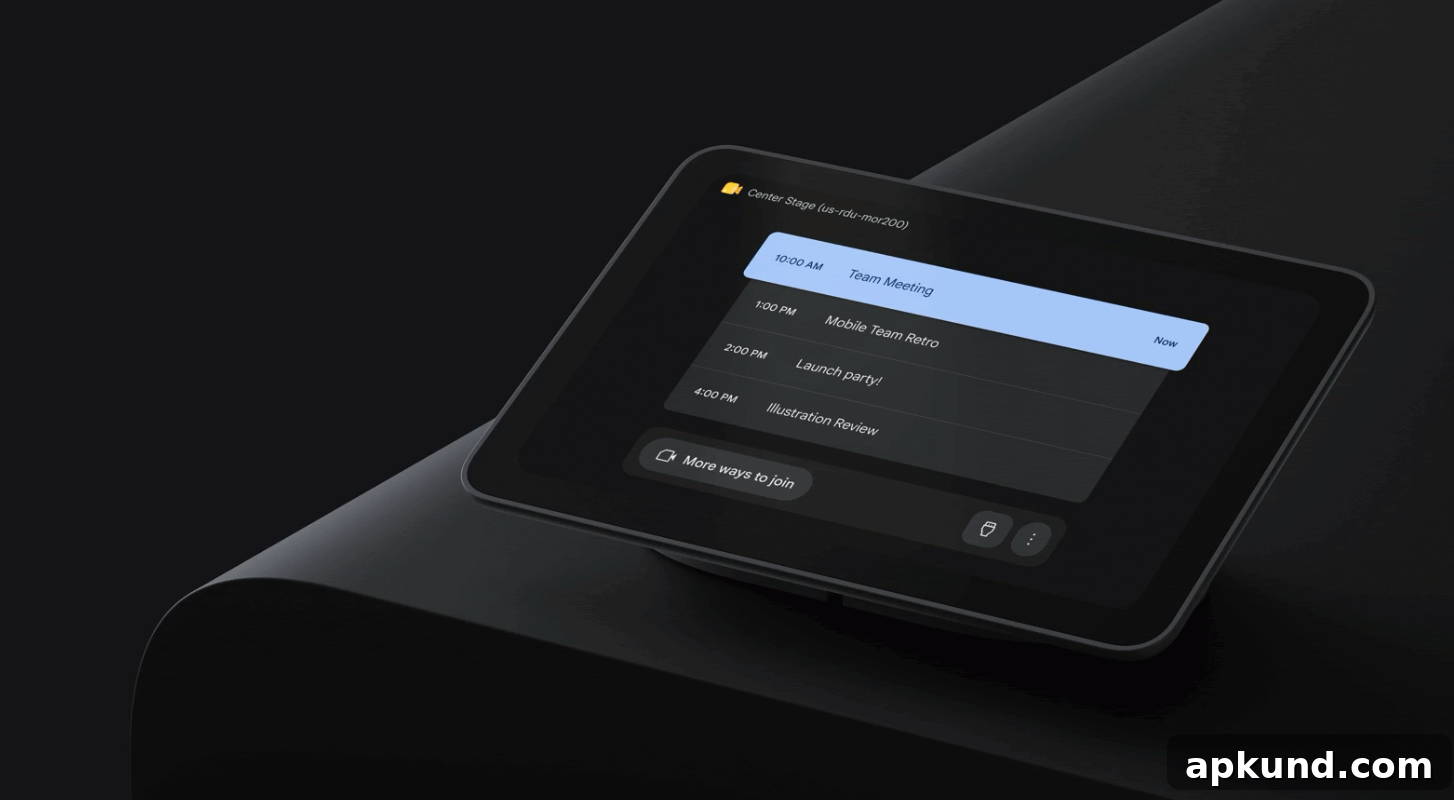
Google has announced that an updated user interface for Neat touch controllers and the Poly TC8 will roll out on August 26, 2026. This refreshed layout brings the redesigned Google Meet experience to more third‑party meeting room hardware, helping create a consistent visual and interaction style across touch panels and desktop environments.
The new interface mirrors the familiar layout people already use on laptops and desktops, making the transition between personal devices and room systems more intuitive. Core meeting controls such as mute and raise-hand are now more prominent on the main screen for quicker access, while advanced options — including camera controls and display layout settings — are reorganized under a streamlined “More actions” menu to reduce visual clutter and make commonly used tools easier to find.
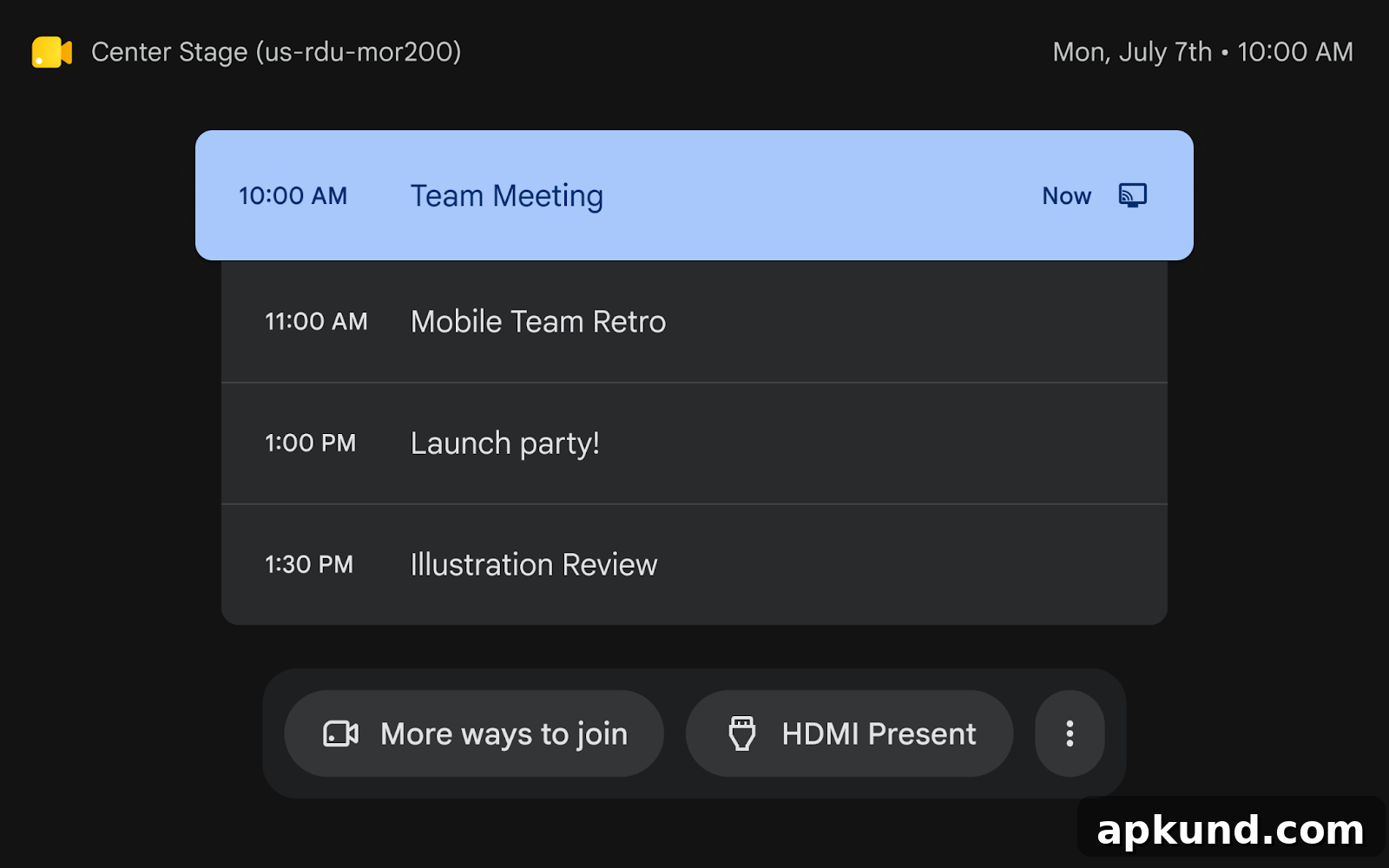
Image: Google
The pre-call screen is also updated to provide a clearer, more focused experience. Meeting code entry is emphasized, and a dedicated drop‑down now makes it simpler to join third‑party services such as Webex or Zoom. By extending this refreshed interface to other Android‑powered room devices, Google aims to standardize navigation and simplify room management across all supported Meet hardware.
READ: Google Meet’s New AI Update Changes In-Person Meetings
In addition to the visual overhaul, Google has continued to expand Meet’s capabilities with AI enhancements. A recent feature lets users start an automated note‑taking session directly from Meet’s home screen on both mobile and web. Activating the “Take notes” button prompts Gemini to capture the conversation in real time, producing a structured summary and highlighting key points throughout the call. This functionality is designed to help participants stay focused during meetings and quickly review important items afterward.
For organizations managing multiple meeting rooms and devices, the updated UI addresses common friction points. Placing essential controls front and center reduces the number of taps required for quick actions and minimizes accidental misclicks. The reorganized advanced menu groups less frequently used settings, making the main interface cleaner and less intimidating for users who only need basic meeting functions.
The consistent design language across devices also supports IT administrators and facilities managers. Uniform menus, labels, and iconography simplify training and documentation, while predictable placement of controls makes troubleshooting and remote assistance more straightforward. Standardized interfaces can further reduce support requests related to user confusion or unfamiliar controls on different hardware.
From a usability perspective, the changes reflect common design principles for meeting software: prioritize the most used features, hide complexity behind progressive disclosure, and present contextual options where they’re most useful. For example, making microphone and hand raise prominent aligns with the tasks most participants perform repeatedly, while situating camera and layout options under a “More actions” umbrella preserves screen space but keeps those tools immediately available when needed.
Overall, the rollout to Neat and Poly touch controllers represents a broader effort to align the physical meeting room experience with the expectations users have from their personal devices. As more Android‑based room controllers adopt the redesign, organizations should see a more cohesive, user‑friendly Meet environment that reduces cognitive load, speeds common actions, and supports the productivity goals of hybrid and in‑room collaboration.