
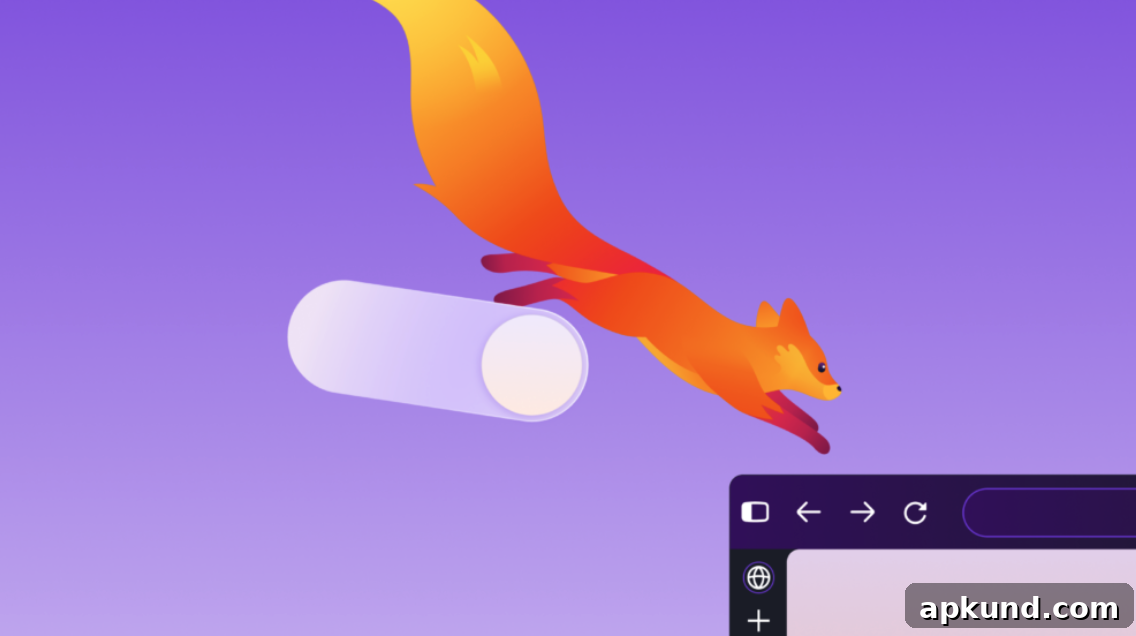
Firefox has announced the rollout of Firefox 157 for desktop and mobile users, delivering a refreshed, more modern design to the general public. After months of testing in Nightly and ongoing user feedback, the new release brings a contemporary visual update that spans colors, icons, themes, and key interface elements. Part of its announcement reads:
For the past few months, many of you have also been trying out our new Firefox design in Nightly and sharing your thoughts with us as we continued to refine the experience.
Today, we’re rolling out that design with FX 157 to everyone using Firefox across desktop and mobile devices. Firefox has done a lot of growing over the last year; now it looks the part.
The update applies a unified design language to tabs, toolbars, the New Tab page, and Private Browsing, giving Firefox a cohesive appearance across devices without compromising speed. Icons and color schemes have been refined to create a cleaner, more consistent experience while retaining the browser’s recognizable identity.
READ: Opera VPN Finally Adds Auto-Protect for Public Wi-Fi Network Connections
Beyond visuals, Firefox 157 introduces several user-requested customization options. Compact Mode adjusts toolbar and tab sizing to better fit different workflows and screen sizes, and an auto-compact option helps manage space on smaller displays. A simplified theme picker makes it easier to cycle through looks and wallpapers, while the redesigned New Tab page includes a clear area for pinned shortcuts so frequently used sites are easier to access.
These enhancements reflect Mozilla’s focus on both aesthetics and usability. By listening to community feedback during the Nightly testing phase, the development team iterated on design details to improve clarity, accessibility, and visual hierarchy. The result is an interface that aims to be familiar to long-time users while appearing fresher to newcomers.
Performance remains a priority. Firefox states that the refreshed UI was implemented with careful attention to responsiveness so users should not experience slower browsing as a result of the redesign. The unified design language also helps create a stable foundation for future updates across desktop and mobile platforms, ensuring a consistent feel as features evolve.
For users curious about the new look, the update is rolling out broadly to desktop and mobile releases, giving everyone an opportunity to explore the new options. Those who participated in Nightly testing provided valuable input that shaped the final product, and the broader rollout makes those refinements available to the general user base.
If you want to try the new interface, check your browser’s update settings to ensure you’re running the latest version. Explore the appearance and toolbar settings to enable Compact Mode or the auto-compact option, and visit the theme picker to preview different color palettes and wallpapers. The revamped New Tab page also makes it simple to pin and organize shortcuts for a more personalized browsing experience.
Overall, Firefox 157 focuses on delivering a modernized presentation paired with practical customization and consistent behavior across devices. The update is a reminder that interface design and user experience are ongoing priorities, shaped by user feedback and iterative refinement.