
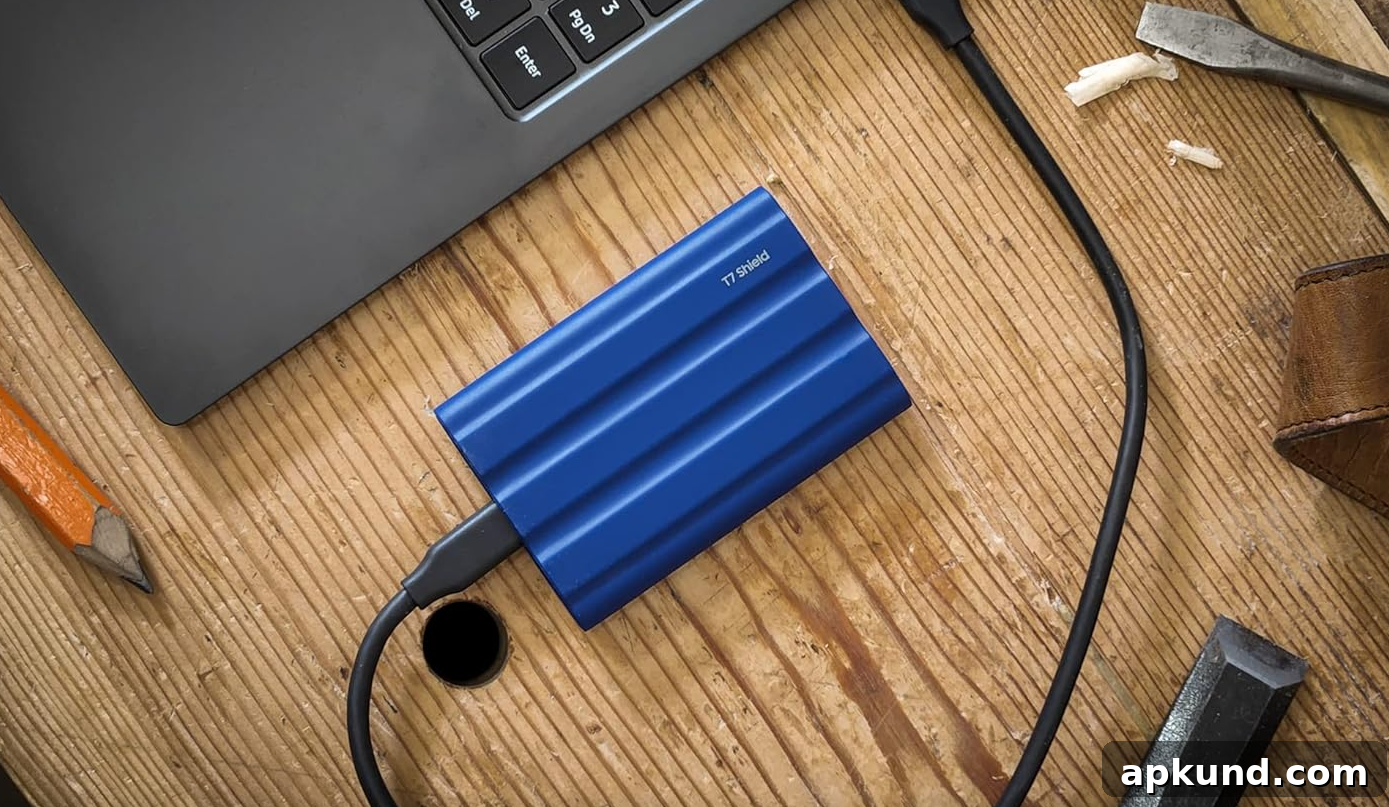
When it comes to modern portable storage, shoppers have more choices than ever. From tiny microSD cards and compact USB flash drives to rugged external SSDs and full-featured NAS systems, there’s a device for nearly every need and budget. However, not every product stands out for the right reasons. To help you cut through the clutter—especially around sales events like Amazon Prime Day—we’ve put together a clear, practical overview of portable storage options and what to consider when upgrading or expanding your storage.
Types of Portable Storage and When to Choose Them
MicroSD cards: Ideal for smartphones, action cameras, drones, and some laptops. MicroSD cards are small and inexpensive, making them a convenient way to expand device storage. Look for cards with appropriate speed classes (like UHS-I, UHS-II, or V30 and above) when you plan to record high-resolution video or burst-mode photos.
USB flash drives: Perfect for quick file transfers and everyday portability. Flash drives are compact and plug-and-play across most computers and many tablets. For faster large-file transfers, choose USB 3.0 or USB 3.2 drives and consider metal or ruggedized bodies if you plan to carry them in a bag or on a keychain.
Portable SSDs: Best choice for professionals, content creators, and anyone who needs fast, reliable storage on the go. Portable solid-state drives (SSDs) deliver far better performance than traditional hard drives, with higher read/write speeds, lower power draw, and greater resistance to shocks. They are ideal for video editing, running applications, and backing up critical files quickly.
External HDDs: Cost-effective when you need large capacities at a lower price per gigabyte. External hard disk drives remain a solid option for backups and archives where speed is less critical. They are bulkier and more fragile than SSDs, so store them securely and avoid frequent physical transport.
Network Attached Storage (NAS): The choice for home offices, creatives, and small businesses that need centralized storage, automated backups, and remote access. NAS systems let multiple users access shared drives on your local network or via the internet, support RAID configurations for redundancy, and often include media server and cloud-sync features.
Key Features to Consider
Capacity and price: Match capacity to your needs—higher capacities cost more, but can be more economical per gigabyte for long-term storage. Consider whether you need short-term portability or a long-term archive solution.
Speed and performance: For video work, gaming, or large file transfers, prioritize devices with higher sustained read/write speeds. Look at manufacturers’ stated performance and real-world reviews to ensure devices meet your workload demands.
Durability and build quality: If you travel frequently or work in variable conditions, choose devices with rugged enclosures, shock resistance, and water or dust ratings when available.
Compatibility: Confirm the device supports your devices’ interfaces—USB-C, Lightning, microSD slots, or network protocols for NAS. Adapters exist, but native compatibility avoids extra clutter and potential bottlenecks.
Warranty and support: Reliable warranty terms and responsive customer service can save time and headaches if problems arise. Reputable brands typically offer better support and firmware updates.
Brands to Watch
Several well-known manufacturers consistently deliver solid portable storage products. Companies such as Samsung, Western Digital, and UGREEN offer a range of devices across budgets and use cases, from microSD cards and USB thumb drives to portable SSDs. When choosing a brand, consider product reviews, warranty length, and the specific model’s performance rather than relying on brand alone.
Buying Tips for Sales Events
During major shopping events like Prime Day, you can find deep discounts—but remain discerning. Compare the discounted price against recent average prices, check verified reviews, and confirm the seller’s reputation. Beware of unusually low prices on unfamiliar brands and always verify return policies and warranty coverage before purchasing.
Upgrading portable storage can improve workflow, protect important files, and give you the flexibility to carry large libraries of media. By choosing the right form factor, performance level, and brand reputation for your needs, you’ll get the most value from your investment.
Note: this article may contain affiliate links that help support our authors and keep the site running.