
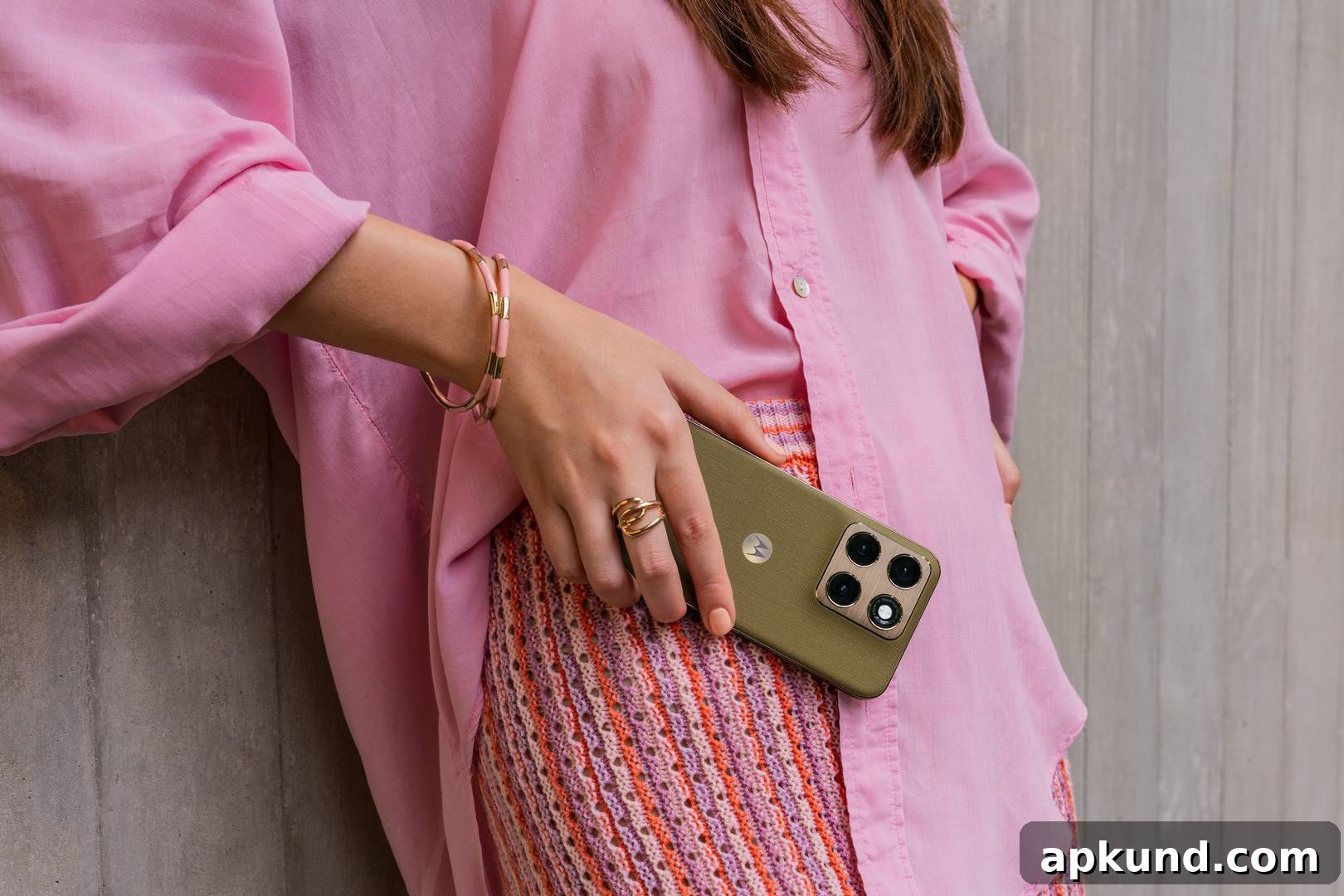
It is now obvious that virtually every smartphone maker is working to integrate artificial intelligence into both hardware and software. Motorola is no exception. The company has announced that its Qira AI assistant will expand to additional devices across its signature, razr, and edge product lines as part of an upcoming Android 17 update. This expansion aims to bring richer on-device and cross-device AI capabilities to more users while preserving contextual continuity when permitted by the user.
Motorola positions Qira as a context-aware assistant that, with user permission, can remember saved files, personal preferences, and synced information across devices. That capability reduces the need to retype details or manually hunt for files on multiple devices. By carrying context where it is useful, Qira can speed up common tasks and reduce friction for daily workflows.
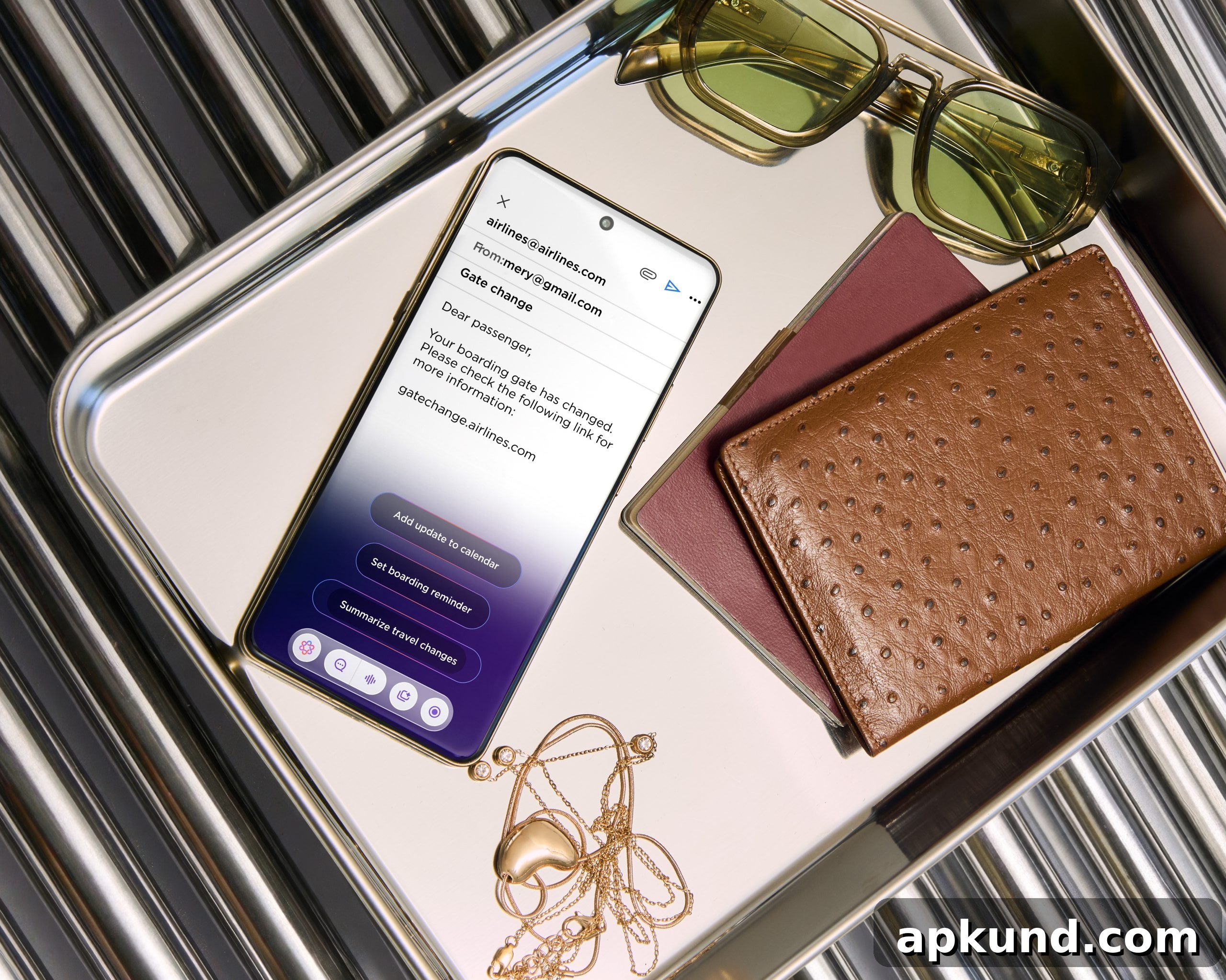
Image: Motorola
Users will be able to summon Qira hands-free using the wake phrase “Hey Qira,” access it through onscreen shortcuts, or press a dedicated AI key when their device supports one. These multiple entry points are designed to make interactions quick and natural, whether you are driving, cooking, or simply have your hands full.
Key features and productivity tools
Qira comes with several built-in AI tools aimed at saving time and improving productivity. The “Catch Me Up” feature offers concise summaries of missed notifications, messages, and updates so you can quickly get back up to speed without wading through long threads. For meetings and conversations, the “Pay Attention” tool can record, transcribe, and summarize key points, making it simpler to review decisions and action items later.
Another helpful tool, “Next Move,” focuses on actionable suggestions. It can offer follow-up suggestions after you read an article, remind you about travel arrangements, or help create to-do items such as packing lists. These suggestions are intended to be practical and context-aware so they align with what you were doing or planning to do.
Creative options and integrations
For creative users, features such as “Creator Zone” and “Style Sync” enable the generation of custom visual assets. These tools let you create wallpapers, stickers, avatars, and other personalized visuals. For example, you can photograph an outfit and use Style Sync to design a matching phone wallpaper, or generate custom stickers for messaging.
Motorola also reports partnerships that expand Qira’s usefulness. The company is working with automation and integration services to enable the assistant to access select apps and services with the user’s permission. These integrations allow Qira to surface important information and complete simple tasks directly, such as finding relevant documents or helping with routine workflows.
Privacy and control
Motorola emphasizes that Qira’s contextual memory and cross-device features operate with user consent. Users can control what Qira remembers and what it syncs, giving them the ability to manage privacy and data-sharing preferences. This approach aims to balance convenience with transparency and user control.
What to expect
As Qira rolls out to more Motorola devices, expect a mix of productivity, creativity, and convenience features that build on the device’s hardware and software capabilities. Users who value fast access to information, meeting summaries, and personalized visual content should find these tools particularly useful. Motorola’s strategy appears focused on integrating AI where it naturally improves everyday tasks while providing controls to manage how that intelligence works.
READ: Motorola’s New Premium Smartphone Packs Big-Sounding Speakers and Multiple Cameras