
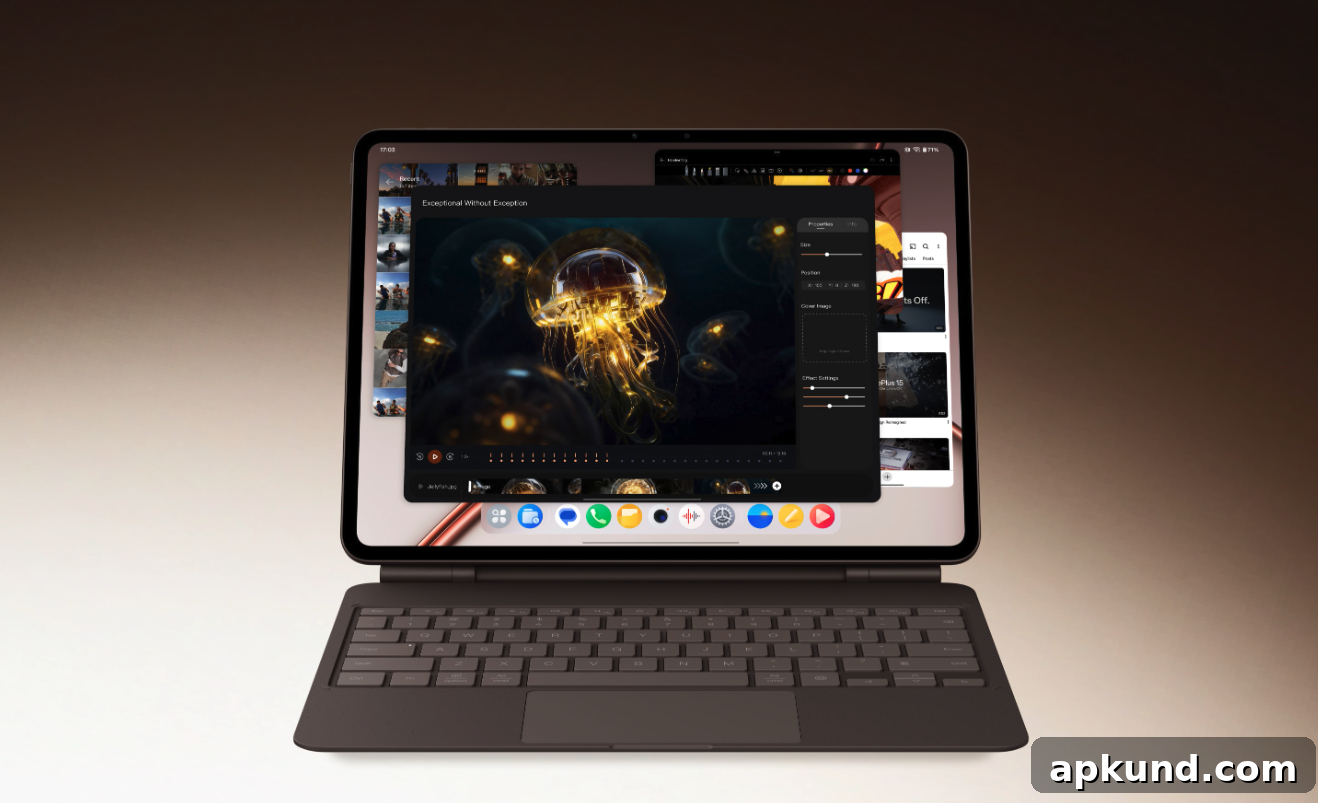
The OnePlus Pad 4 features a large 13.2-inch IPS LCD display with a high 144Hz refresh rate for smooth scrolling and responsive touch interactions. Inside, it is powered by Qualcomm’s Snapdragon 8 Elite Gen 5 chipset paired with the Adreno 840 GPU, delivering strong performance for multitasking, media consumption, and gaming. The tablet is offered in multiple memory and storage configurations to suit different needs, including an 8GB RAM model with 256GB of storage and a 12GB RAM model with 512GB of storage.
Battery life is one of the standout aspects of the OnePlus Pad 4. It packs a sizable 13,380mAh battery designed to deliver extended usage between charges. In real-world use, this capacity typically provides a full day or more of mixed use—covering video streaming, web browsing, productivity apps, and casual gaming—before you need to recharge. Fast charging support is included, with the device capable of charging at up to 80W, which significantly reduces downtime when a wall charger is available.
However, fast wall charging is not always practical. When you’re on the move, commuting, or traveling, access to a compatible wall outlet or the correct charger may be limited. That makes a portable power bank a sensible accessory for OnePlus Pad 4 owners who want reliable top-ups away from home. A good portable charger can provide multiple full charges, extend your tablet’s runtime on long trips, and keep you productive without hunting for outlets.
When selecting a power bank for the OnePlus Pad 4, consider the following factors to ensure compatibility and the best performance:
- Capacity: The OnePlus Pad 4’s large battery means you’ll want a power bank with significant capacity. Banks in the 20,000mAh to 30,000mAh range are common recommendations for tablets because they can replenish the device more than once, accounting for energy lost during conversion and cable inefficiencies.
- Output Power and Protocols: Look for power banks that support high-wattage USB-C PD (Power Delivery) output. While the tablet supports 80W charging with the right charger, many portable power banks support 20W to 65W PD. The higher the supported wattage, the faster the tablet will charge from the power bank. Confirm compatibility with USB Power Delivery profiles to get the most efficient charging.
- Number and Type of Ports: Multiple ports allow you to charge the tablet and other devices at the same time. A USB-C port with PD and a secondary USB-A port for phones or accessories makes a power bank more versatile. If you often travel with multiple devices, prioritize models with more than one port.
- Build Quality and Safety: Choose a reputable power bank with built-in safety features such as over-current, over-voltage, short-circuit, and temperature protection. Robust casing, reliable cell quality, and certifications add peace of mind when using a high-capacity battery near expensive electronics.
- Portability vs Capacity Trade-off: Higher capacity usually means more weight and bulk. If you need a balance, mid-range capacity banks (roughly 10,000mAh to 20,000mAh) can provide a meaningful boost while remaining easier to carry. For long hauls or extended work sessions away from outlets, prioritize capacity.
- Pass-Through Charging and Recharging Speed: If you want to charge both the power bank and your tablet simultaneously from a single wall charger, check whether the power bank supports pass-through charging. Also consider how quickly the power bank itself can be recharged—some models accept high-wattage input and can refill faster than standard options.
Beyond the technical specifications, think about your typical usage patterns: whether you frequently stream video, run productivity apps, or game on the tablet for long periods. Those who push the device harder will benefit from higher-capacity, higher-wattage banks. If portability and light daytime use are priorities, a smaller, lighter model may be preferable.
Finally, keep cables and adapters in mind. A quality USB-C to USB-C cable rated for high-wattage PD charging will ensure you get the fastest practical charging from your power bank to the OnePlus Pad 4. Carrying a spare cable or a multiport adapter can also reduce hassle when you’re traveling.
In short, the OnePlus Pad 4’s large battery and fast-charging capability make it an excellent media and productivity tablet, but a suitable portable charger is a useful companion for travel and extended use. Choose a power bank that balances capacity, output power, port options, and portability to match how you use your tablet.
Note: This article may contain affiliate links that help support our authors and keep the Phandroid servers running.